Support request log
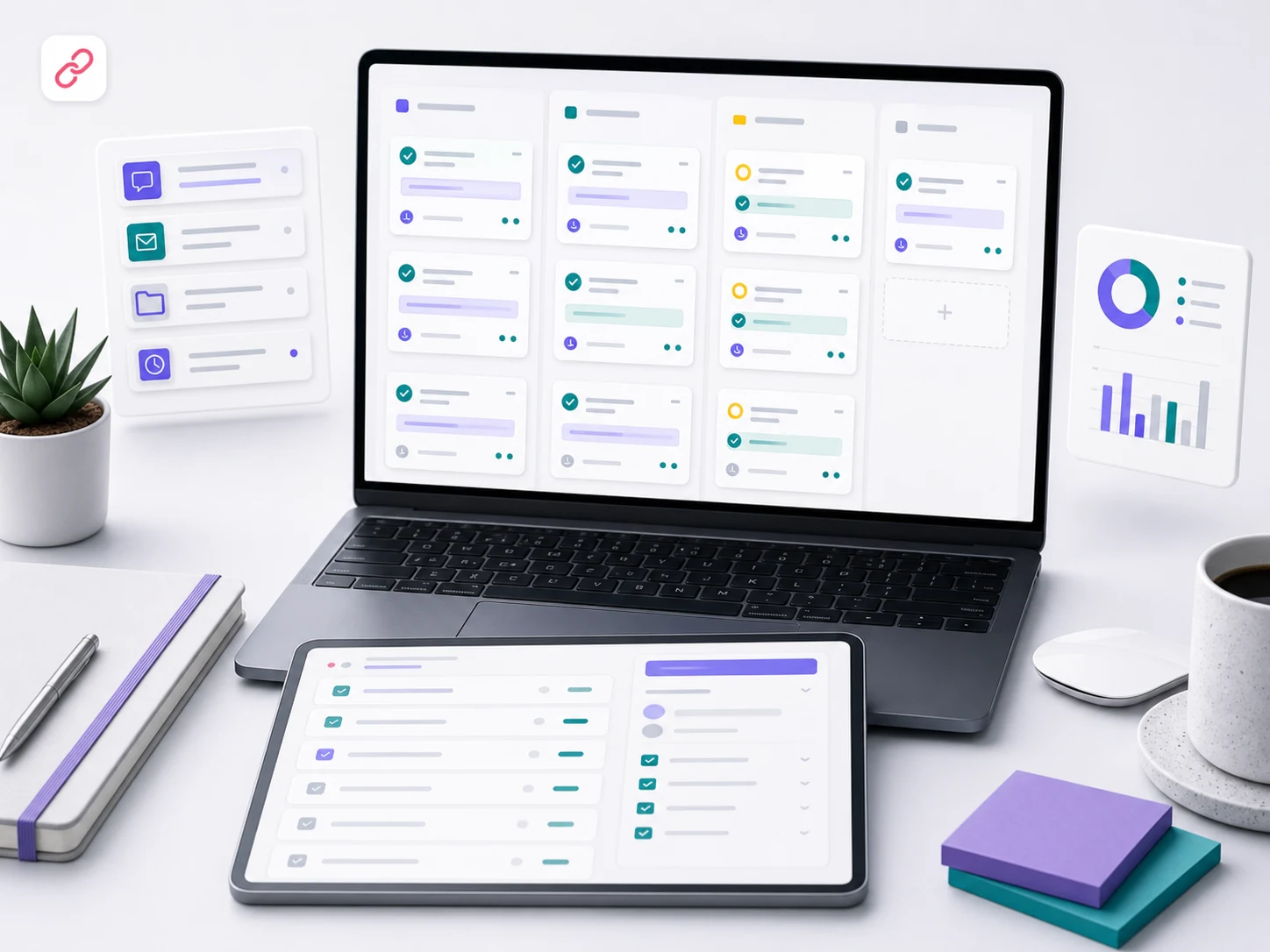
A support request log keeps maintenance work out of scattered messages by tracking what was requested, approved, changed, tested, and still needs attention.

Why the request log exists
Small website support can get messy when requests live in emails, texts, screenshots, and meeting notes. The request log creates one place to see what came in, what was approved, what changed, what was tested, and what still needs a decision.
It also protects monthly support time. When a request is too large for the care plan, the log makes that visible before the work quietly grows into a larger project.
What gets logged
- Request date, requester, affected page or system, and a short summary of the requested change.
- Business reason, priority level, approval owner, and whether the request is included or needs a quote.
- Status notes for queued, in progress, waiting on client, completed, blocked, or moved to larger scope.
- Time notes when the request uses monthly implementation support or needs additional approval.
- QA notes showing what was checked after the edit, including forms, links, tracking, or mobile behavior when relevant.
How requests are prioritized
The request log helps the support team separate urgent site health work from normal content updates and future enhancements. It gives each request enough context to be handled in the right order.
- Site stability: visible errors, broken forms, broken navigation, or problems affecting lead capture.
- Business impact: pages tied to active campaigns, sales conversations, launches, or service priorities.
- Compliance and usability: accessibility concerns, mobile friction, missing labels, or confusing user paths.
- Effort: quick CMS edits, routine support work, or requests that require design and development time.
- Dependencies: items waiting on copy, images, credentials, approvals, plugin access, or third-party vendors.
What counts as routine support
Routine support is designed for practical site upkeep. These are the kinds of requests that usually fit inside a maintenance plan when they are small, clearly defined, and do not require a new strategy or rebuild.
- Copy edits, image swaps, link changes, button updates, pricing adjustments, and basic page corrections.
- Form destination checks, thank-you message checks, tracking placement checks, and simple integration review.
- CMS settings, plugin notes, page visibility checks, redirect notes, and small layout cleanup requests.
- Minor mobile or visual fixes where the existing design system already supports the change.
- Documentation updates so the team can see what changed and why.
What gets escalated
Some requests are important, but they are not maintenance. The log identifies these early so the client can approve a separate scope with the right expectations.
- New pages, new components, new templates, redesigned sections, or new conversion paths.
- Custom development, portals, dashboards, databases, APIs, ecommerce changes, or app integrations.
- Large content rewrites, new service architecture, SEO campaign work, or brand-level messaging changes.
- Security incidents, malware cleanup, emergency recovery, complex hosting migrations, or deep performance work.
- Requests that exceed the included monthly support time or require a specialist review.
How QA notes are captured
Every completed request should leave a trace. The log records what was changed and what was checked so the team does not have to rely on memory after the month closes.
- Before and after context for the page, section, form, link, or setting that changed.
- Pages reviewed after the edit, plus device or browser notes when the change affects layout.
- Form submissions, notification destinations, confirmation states, or tracking events when applicable.
- Known limitations, follow-up recommendations, and any item that still needs client review.
- Decision notes for requests moved into a separate quote or future roadmap item.
What your team receives each month
The request log becomes the monthly work record. It gives the client team a clean summary of completed edits, open requests, blocked items, and recommended next steps.
- Completed support requests with short implementation and QA notes.
- Open requests that still need assets, approvals, access, or a larger quote.
- Items that used included monthly support time and items that exceeded the plan boundary.
- Risks or repeated issues that should move into a maintenance priority or roadmap discussion.
- A clearer handoff for internal teams, stakeholders, and future support cycles.
How it protects the support relationship
The request log keeps support transparent. It reduces duplicate requests, prevents unclear approvals, and gives everyone a shared view of what maintenance is actually covering. That structure makes the monthly plan easier to trust and easier to manage.