Site Maintenance
We’ll be back shortly.

DigitxlLink is putting the finishing touches on a refreshed experience for WCAG 2.2 AA accessibility audits and remediation. Thanks for your patience. Please check back soon.

WCAG 2.2 AAAudits & RemediationReturning Soon

Accessibility audits that reveal real user risk.

Manual WCAG 2.2 AA audits for websites, apps, and SaaS — sized for ADA, EAA, Section 508, and procurement reviews. Every finding includes evidence, severity, reproduction steps, and the exact fix your engineers can ship.
WCAG 2.2 AASection 508EN 301 549EAAADA Title III
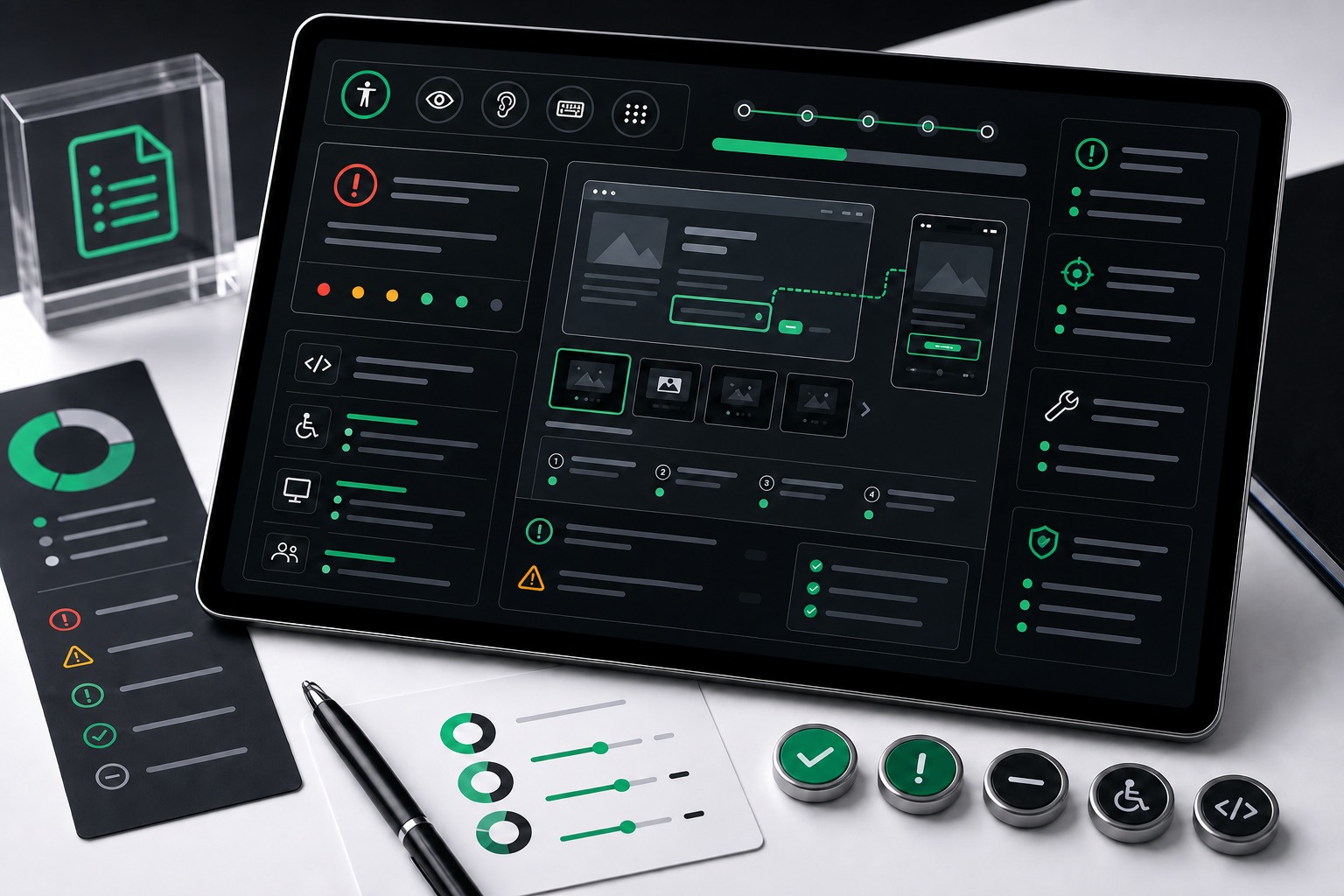
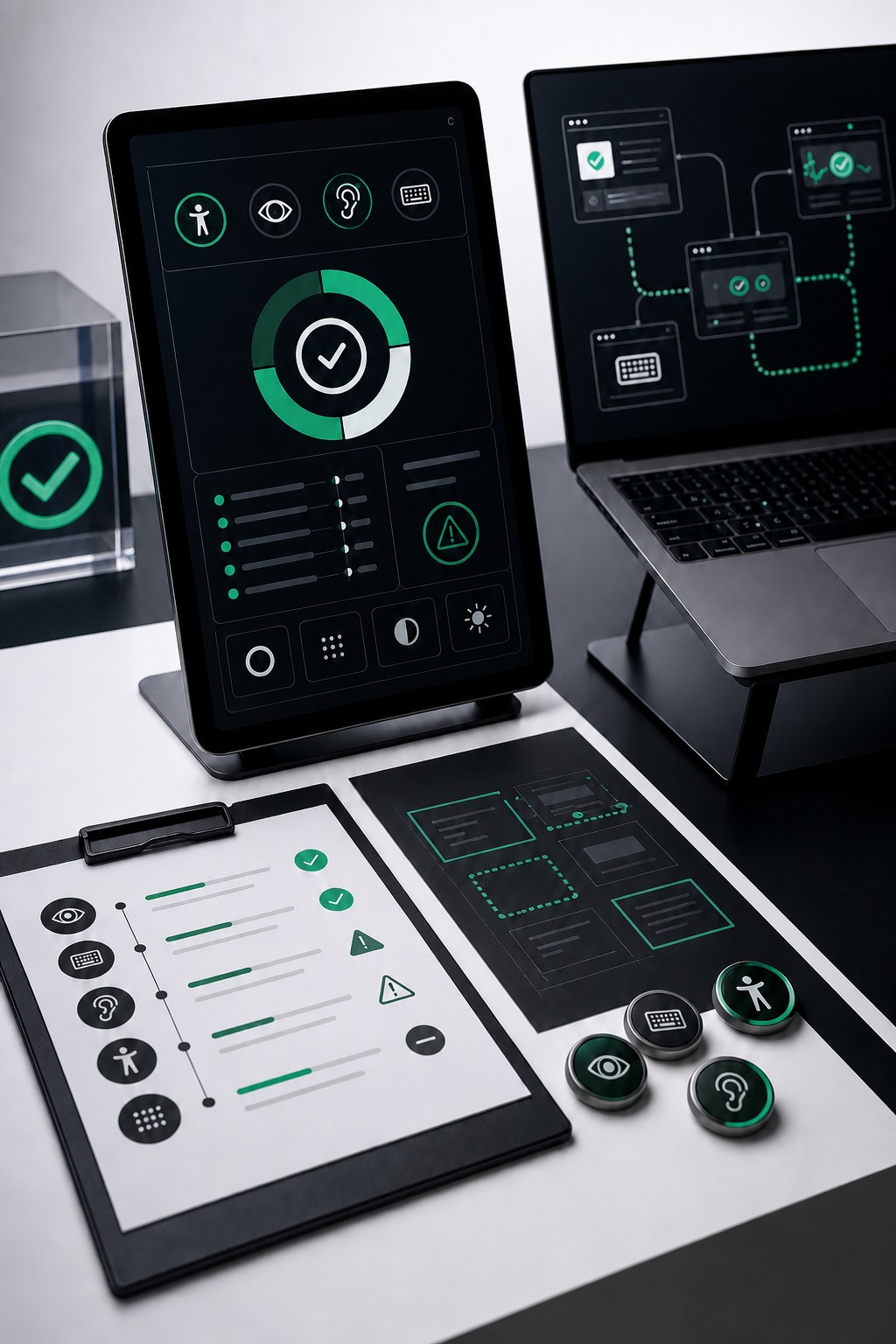
Premium accessibility audit workspace showing real-user risk dashboards

What the audit covers

Each audit combines human review, assistive technology checks, and practical remediation guidance so your team can fix the issues that matter.
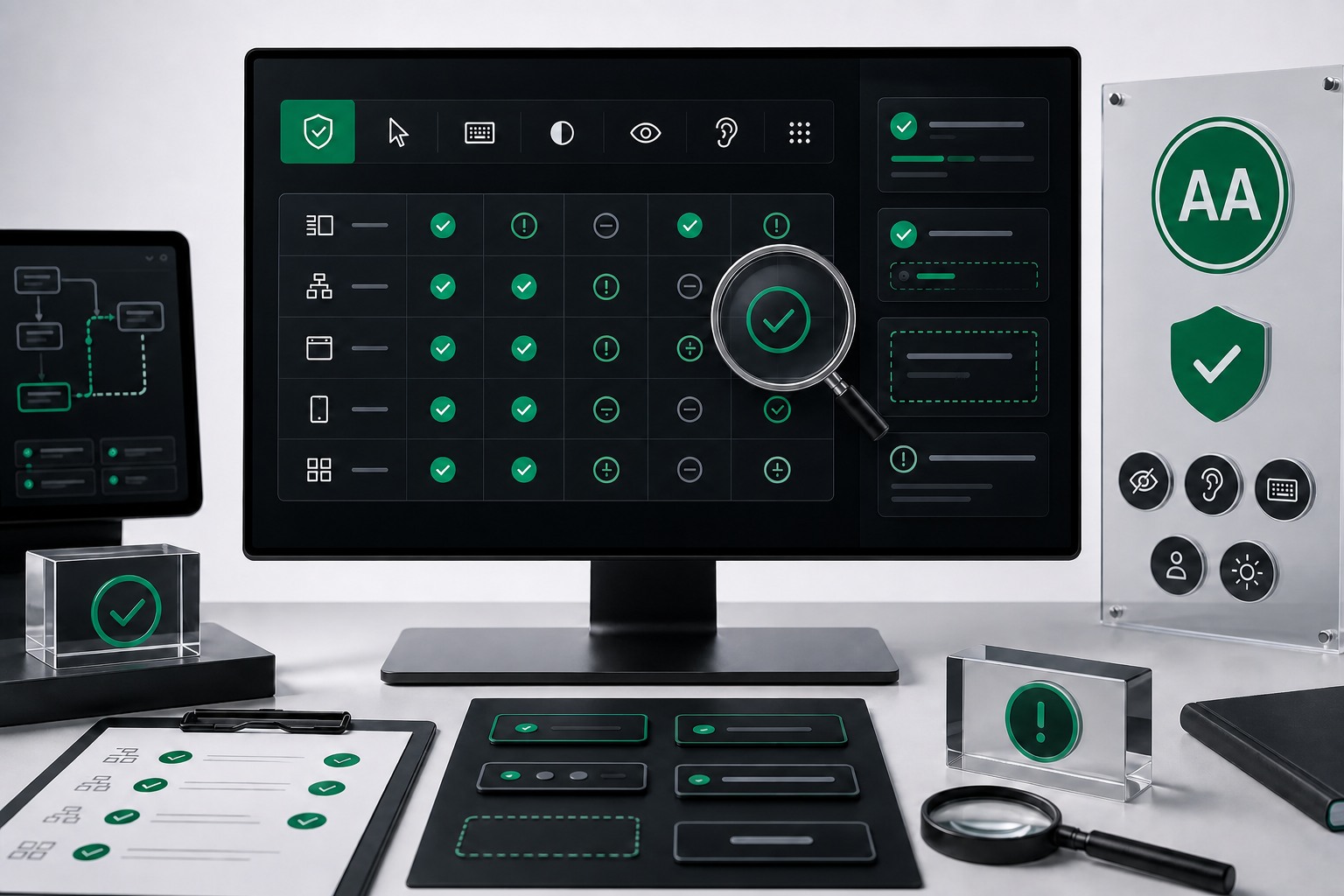
WCAG 2.2 AA review matrix and component audit dashboard
WCAG 2.2 AA Review

Manual testing against WCAG criteria across templates, flows, states, and reusable components.
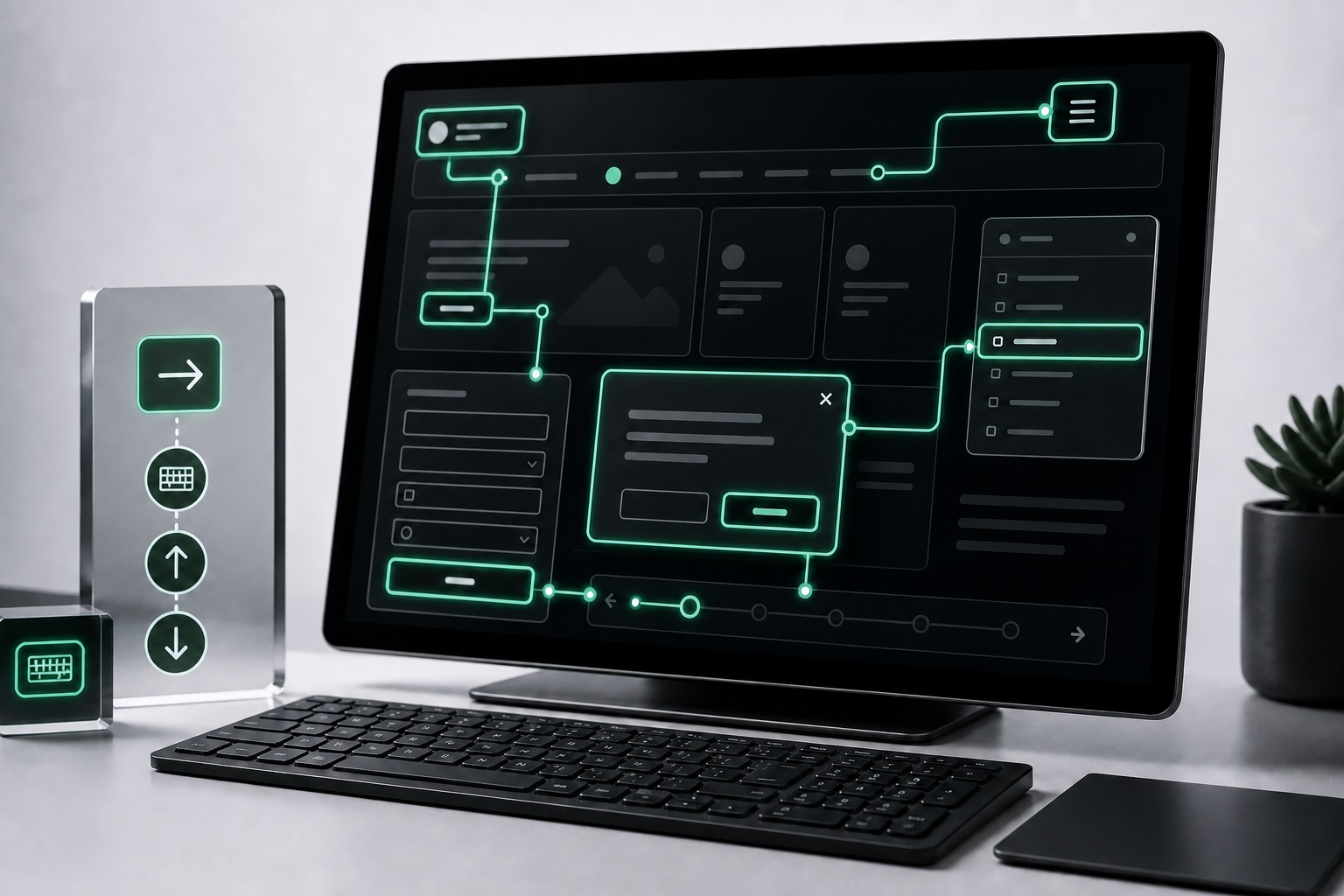
Keyboard focus path testing across interface states
Keyboard & Focus Paths

Tab order, focus visibility, skip paths, menus, modals, forms, and key interaction states are checked by hand.
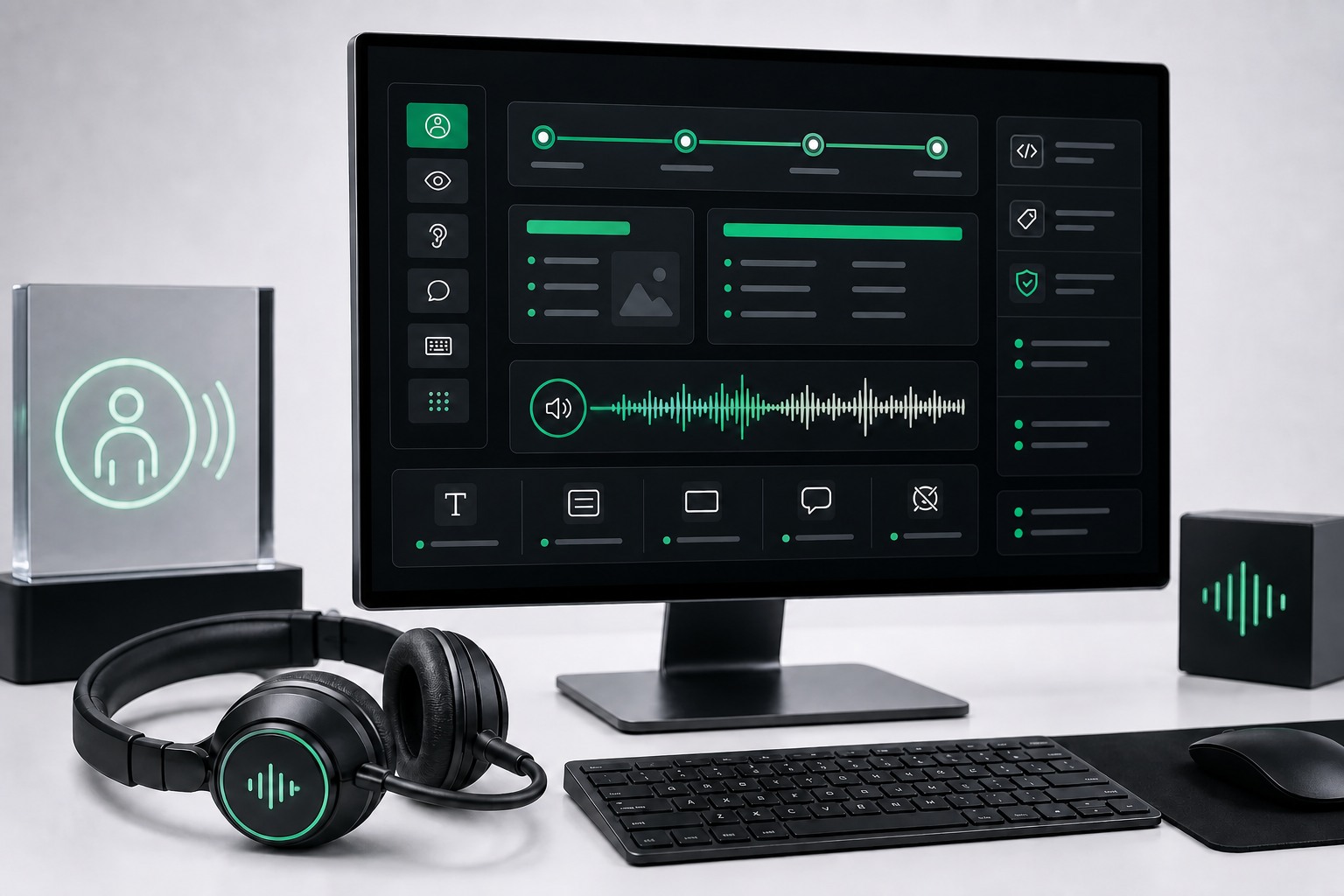
Screen reader testing workstation with assistive technology indicators
Screen Reader Testing

Assistive technology checks verify names, roles, states, announcements, and reading order in real user flows.
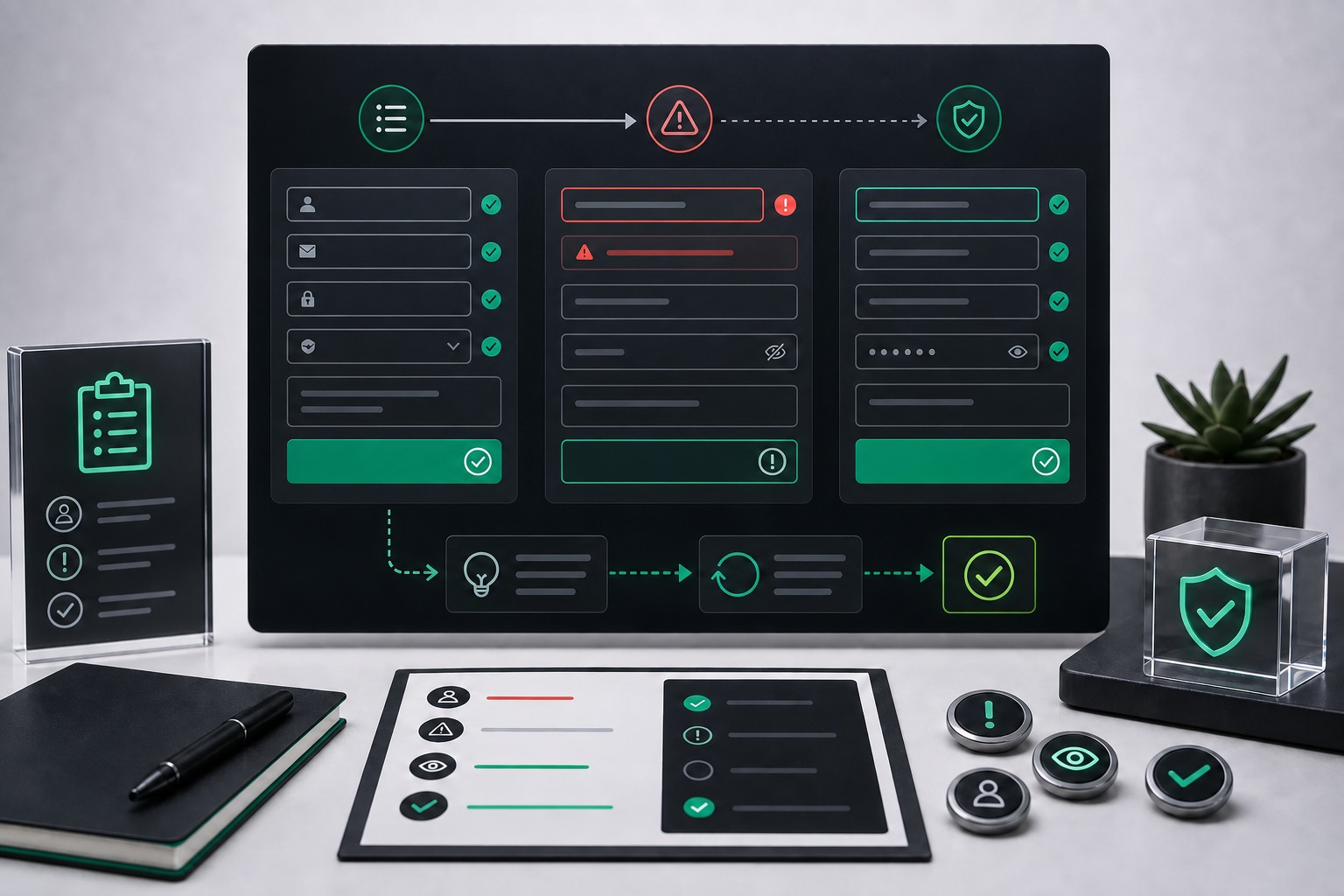
Accessible form validation and error recovery interface
Forms & Error Recovery

Labels, instructions, validation messages, required fields, and recovery flows are tested for real completion.
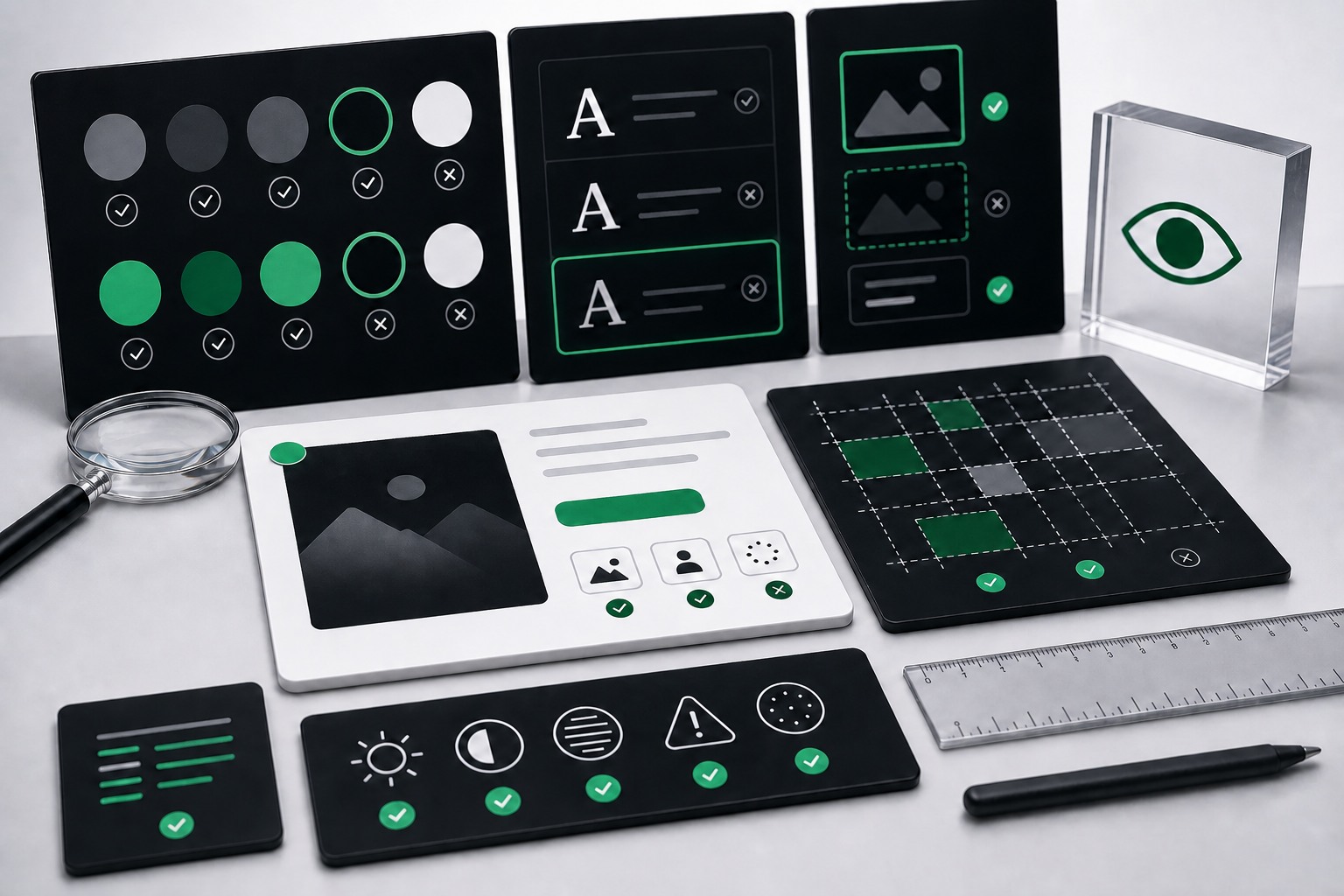
Visual contrast and content barrier review board
Visual & Content Barriers

Color contrast, responsive behavior, headings, links, labels, and content structure are reviewed in context.
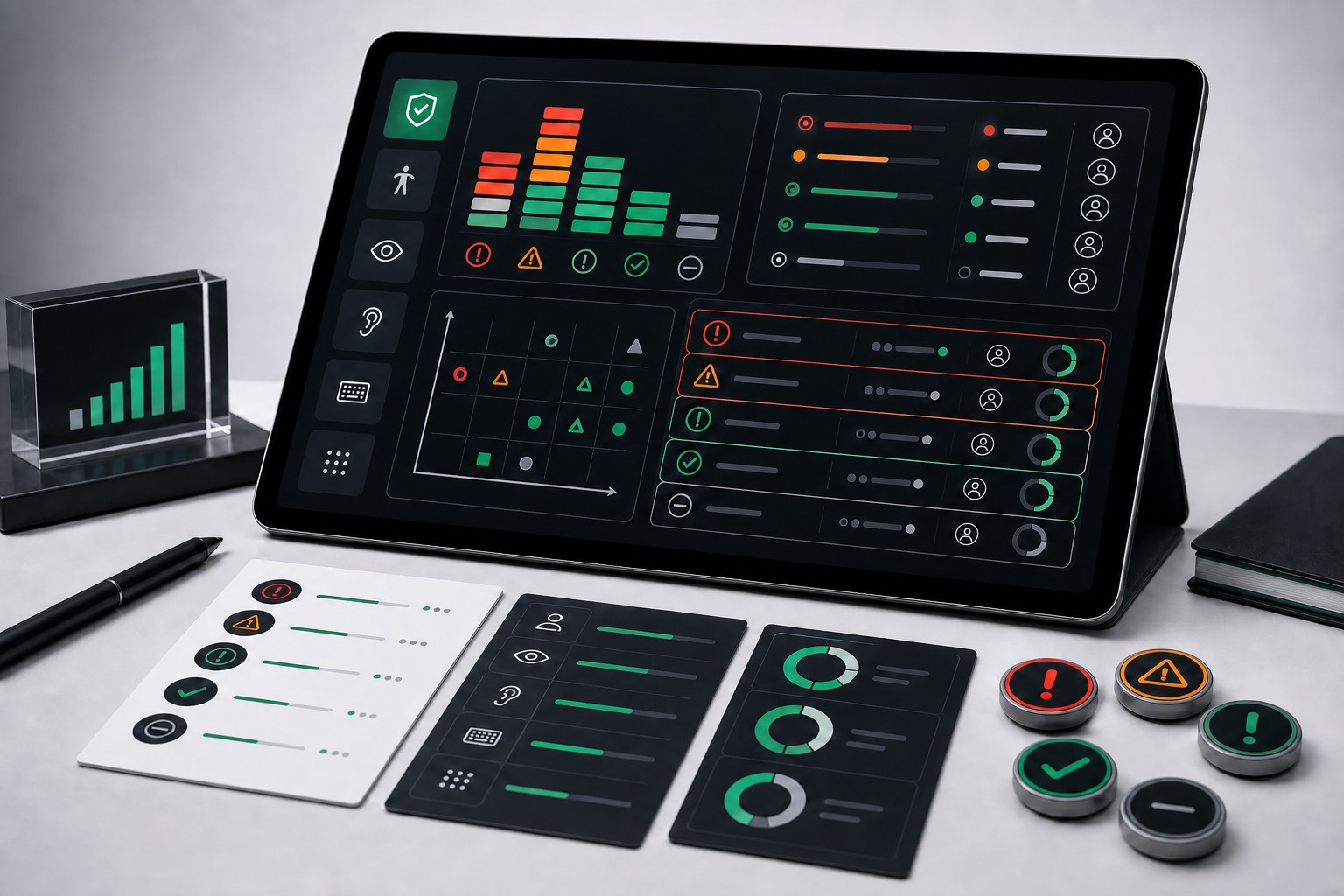
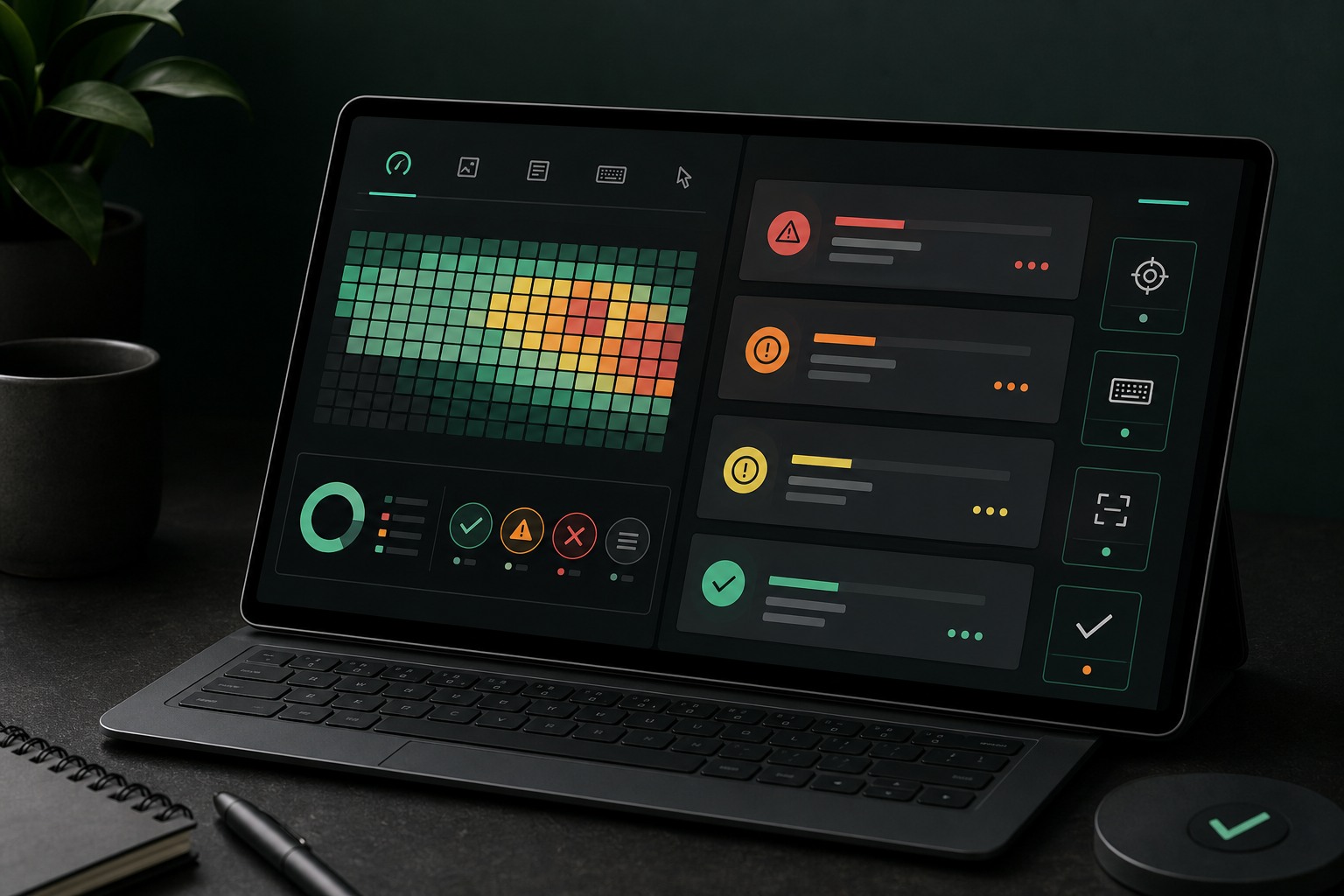
Risk-ranked accessibility findings dashboard
Prioritized Findings

Every finding is grouped by severity, impact, reproduction steps, screenshots, and recommended remediation.

Audit workflow

From scope to actionable evidence

The audit is designed to give leadership, product, design, and engineering one shared view of accessibility risk.
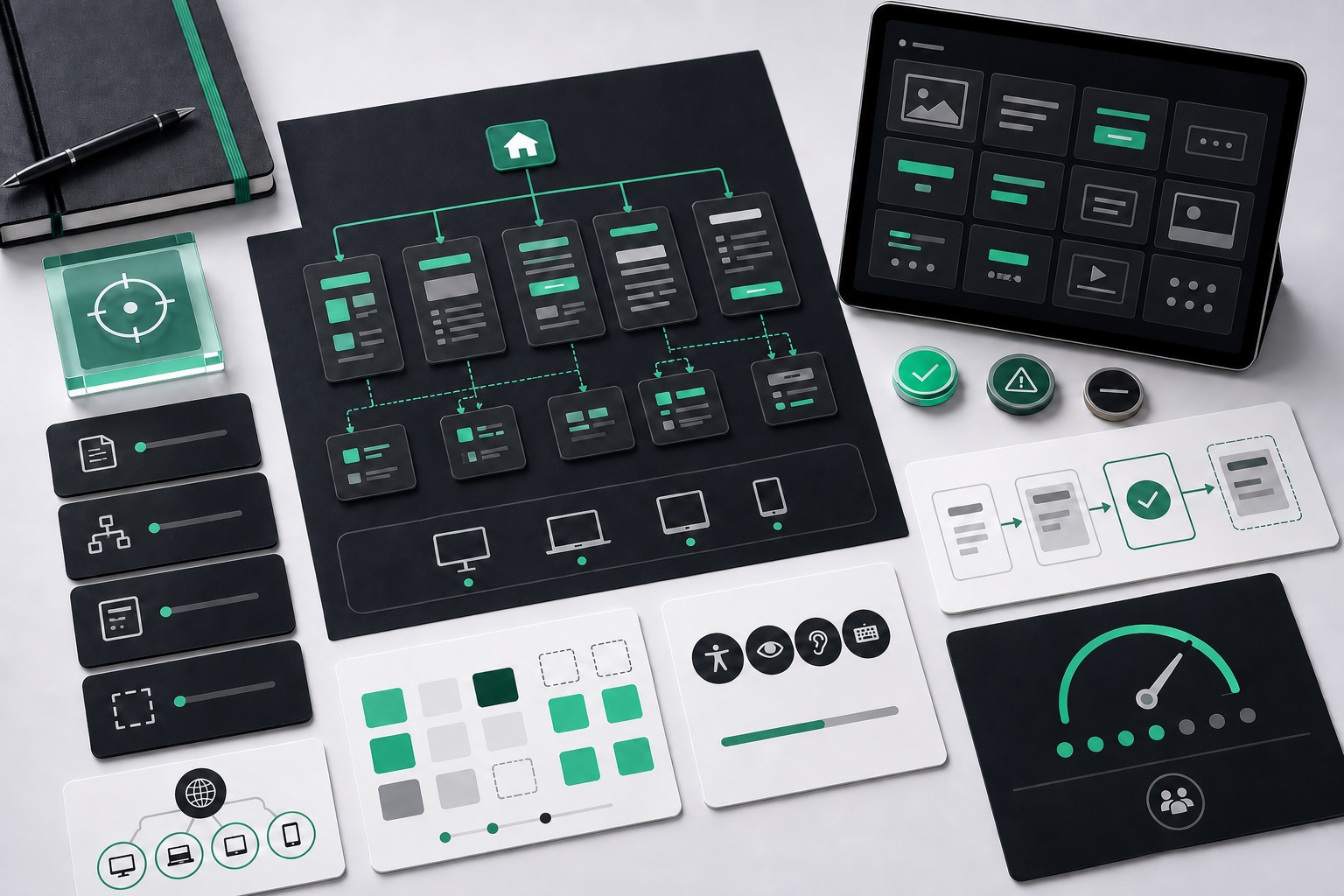
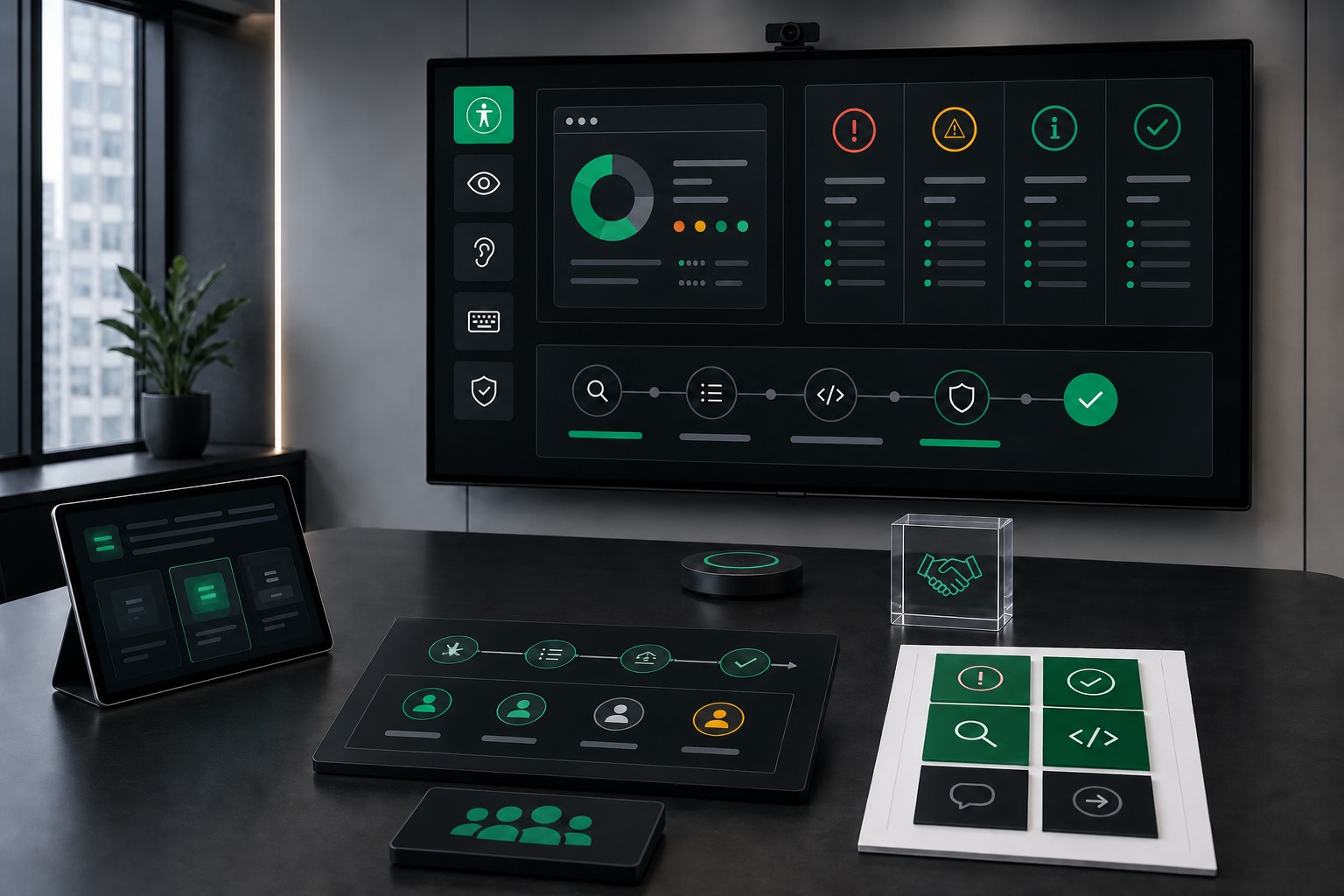
Scope inventory planning board for accessibility audit coverage
01
Scope & Inventory

We define what needs to be tested before review starts.
Pages and templates
Critical user flows
Components and states
Standards and risk level
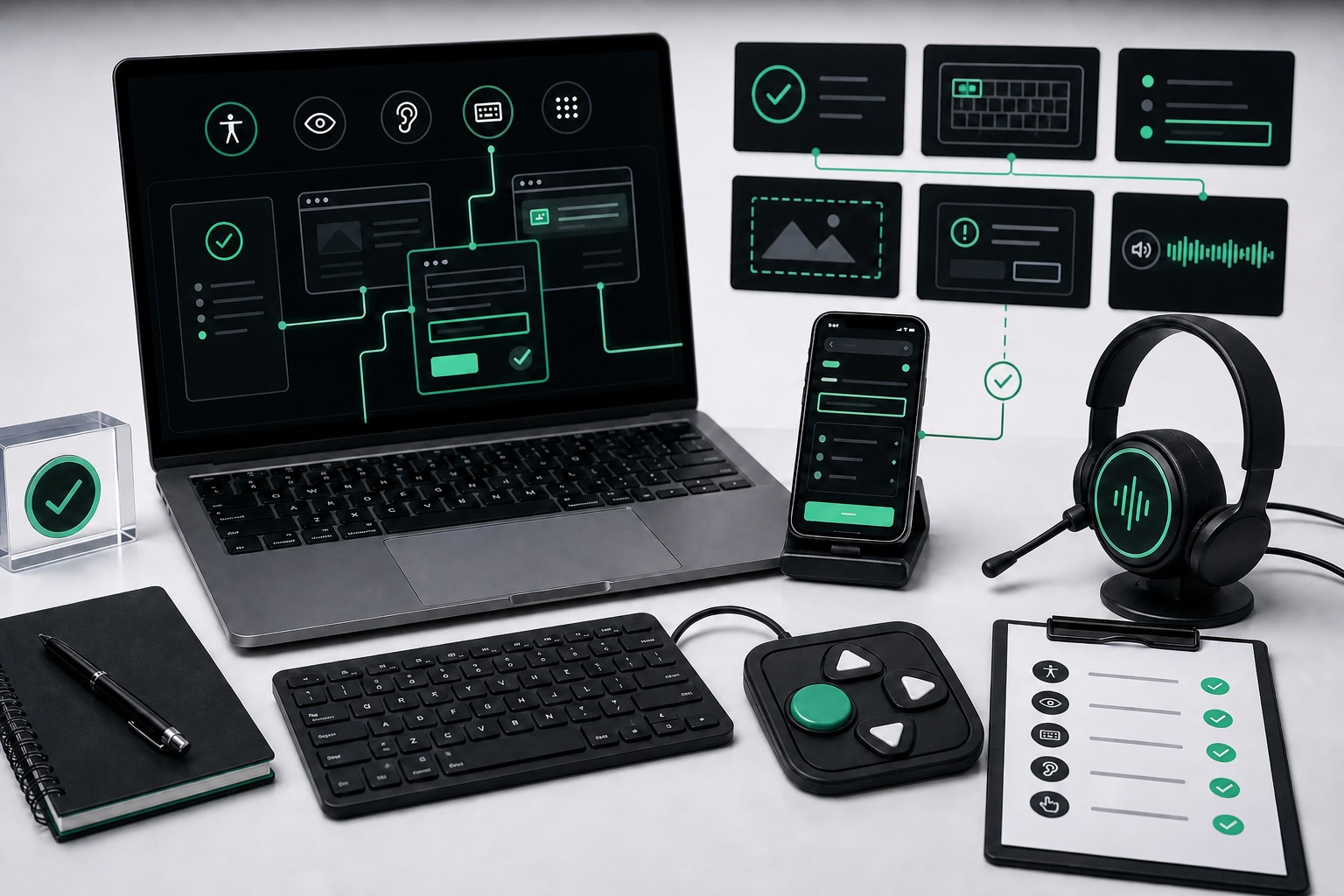
Manual accessibility testing workspace with keyboard and device checks
02
Manual Testing

We test the experience the way users encounter it.
Keyboard-only review
Screen reader review
Responsive and zoom checks
Form and interaction testing
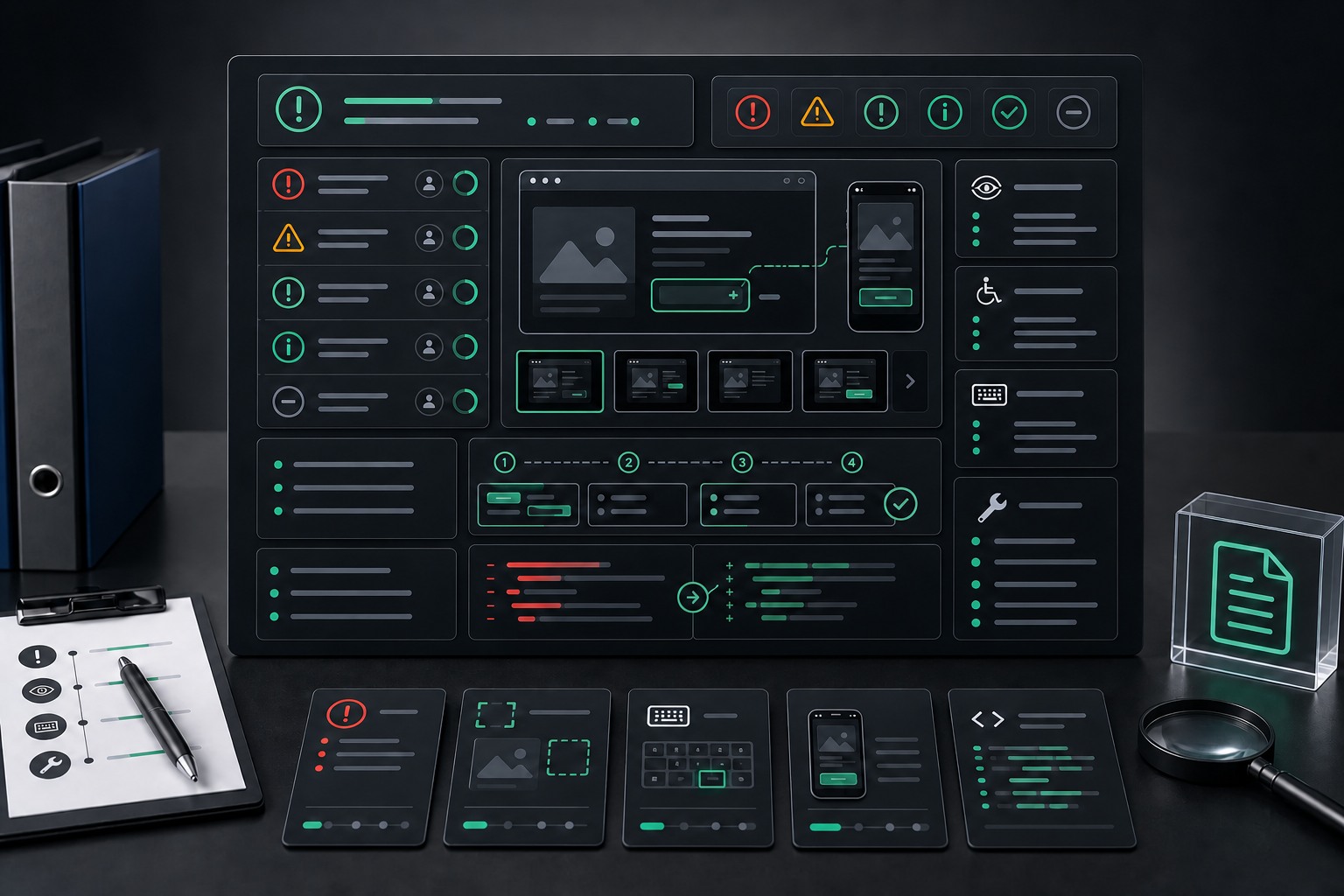
Documented WCAG evidence board with severity and reproduction artifacts
03
Document Evidence

Findings are written so your team can reproduce and fix them.
Severity and user impact
Screenshots and references
Reproduction steps
Code-level recommendations
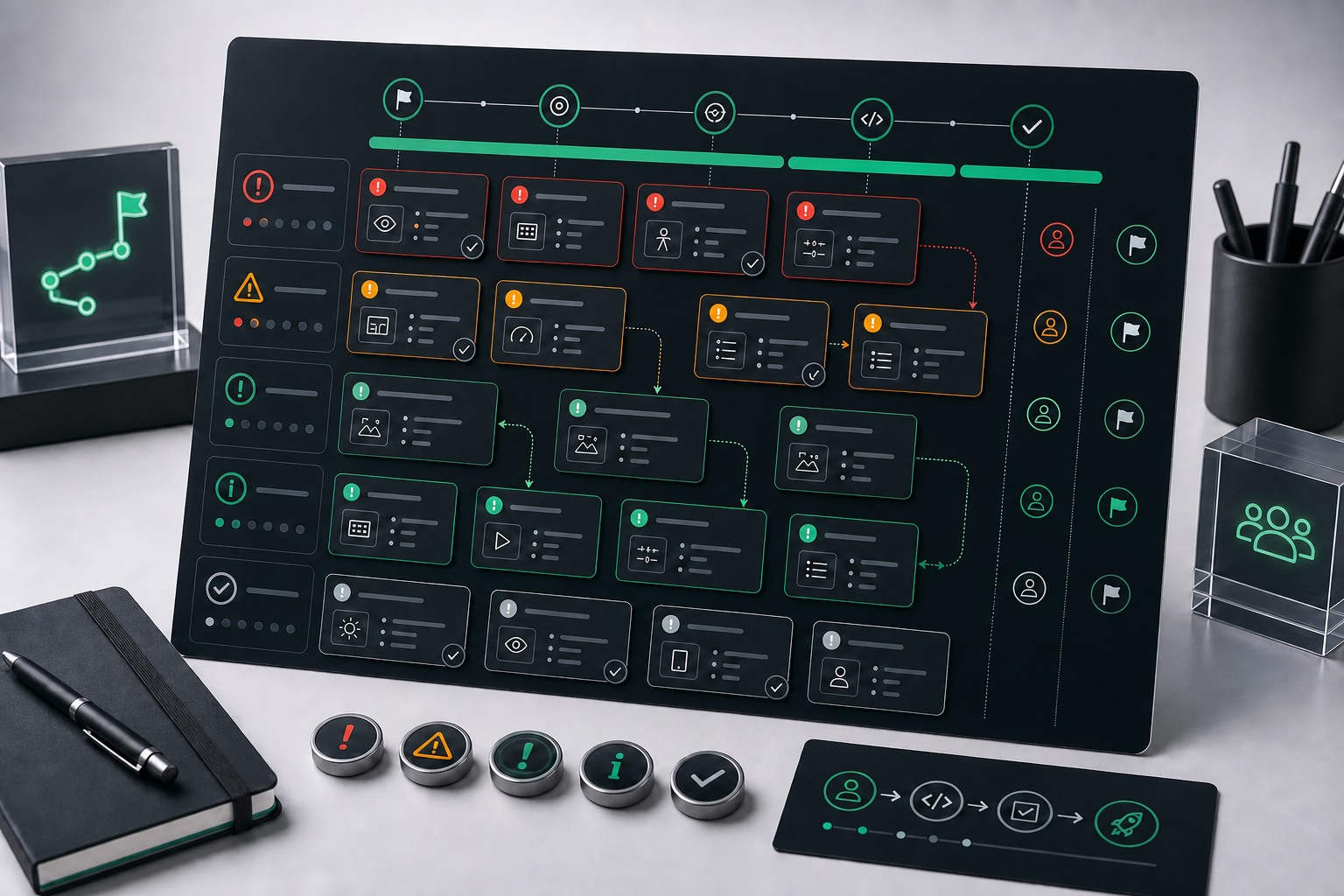
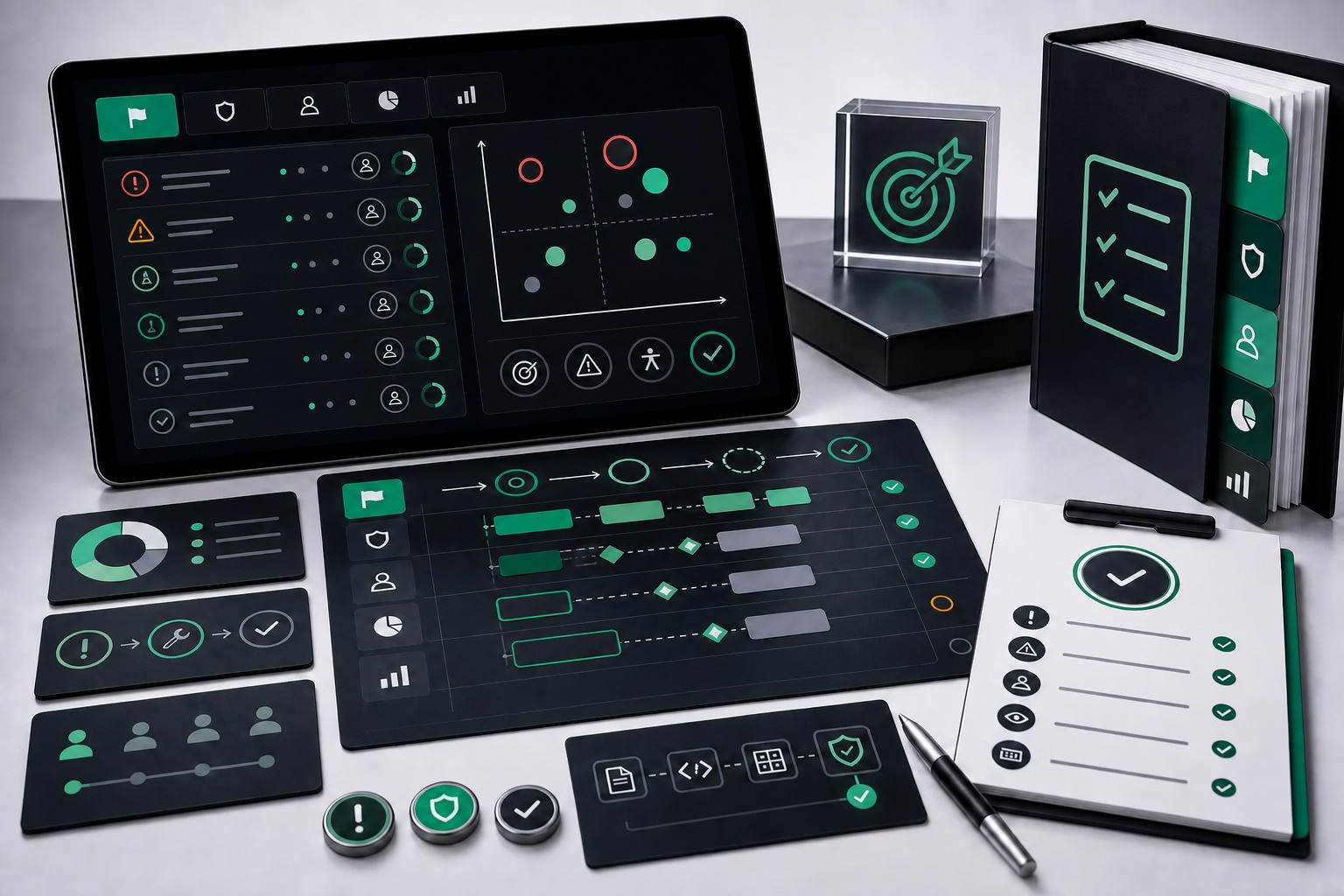
Prioritized accessibility remediation planning board
04
Prioritize Next Steps

The final report turns audit results into a remediation plan.

Executive risk summary
Fix order by severity
Developer handoff notes
Optional retesting path

Accessibility audit questions

Common questions about scope, timing, evidence, and what your team receives.

What is included in an accessibility audit?

A manual review of selected pages, templates, flows, components, and states against WCAG 2.2 AA, with evidence and remediation guidance for each finding.

How much does an audit cost?

Pricing scales with scope — the number of pages, templates, components, flows, and standards in play. After a short scoping call we provide a fixed-fee quote so you know the total before the work starts.

How long does an audit take?

Most audits run two to six weeks from kickoff to final report, depending on scope. The written quote includes a timeline so your team can plan release windows and retesting around it.

Who performs the audit?

Manual review is performed by accessibility specialists with hands-on assistive-technology testing experience. Work is not outsourced, and automated scanners are not used as the primary source of findings.

Do you use automated scanners?

Yes, but only as support. The core audit is manual because scanners miss keyboard, screen reader, interaction, and context-specific barriers.

Can you audit SaaS apps or logged-in flows?

Yes. We can review authenticated dashboards, multi-step workflows, account areas, forms, and product interfaces when test access is provided.

What do we receive at the end?

You receive a prioritized findings report with severity, user impact, reproduction steps, screenshots or references, WCAG criteria, and fix guidance.

Can developers use the report directly?

Yes. Findings are written for handoff to product, design, and engineering, with enough detail to reproduce and resolve issues.

Can you retest after fixes?

Yes. Retesting can be handled as a follow-up engagement or paired with remediation support.

Is this the same as an ACR or VPAT?

No. An audit identifies and documents barriers. An ACR or VPAT is a formal conformance report and should be built from validated audit evidence.

Audit clearly.
Fix faster.
Reduce risk.
Prove progress.
Ship accessibly.
Validate changes.
Audit clearly.
Fix faster.
Reduce risk.
Prove progress.
Ship accessibly.
Validate changes.
Manual WCAG review for high-risk digital teams

Know the risk. Fix what matters first.

Get a manual accessibility audit with clear evidence, severity, and remediation guidance your team can act on.

Accessibility risk and remediation priority dashboard