Site Maintenance

We’ll be back shortly.

DigitxlLink is putting the finishing touches on a refreshed experience for WCAG 2.2 AA accessibility audits and remediation. Thanks for your patience — please check back soon.

WCAG 2.2 AAAudits & RemediationReturning Soon
Universal ADA compliance engagement

Accessibility remediation scope for codebases, products, and public sites.

The same process applies across healthcare, e-commerce, SaaS, public sector, and documentation-heavy properties: secure codebase access, manual WCAG 2.2 AA auditing, code-level remediation, retesting, documentation, and ongoing release control.

WCAG audit report document with issue summaries on a conference table
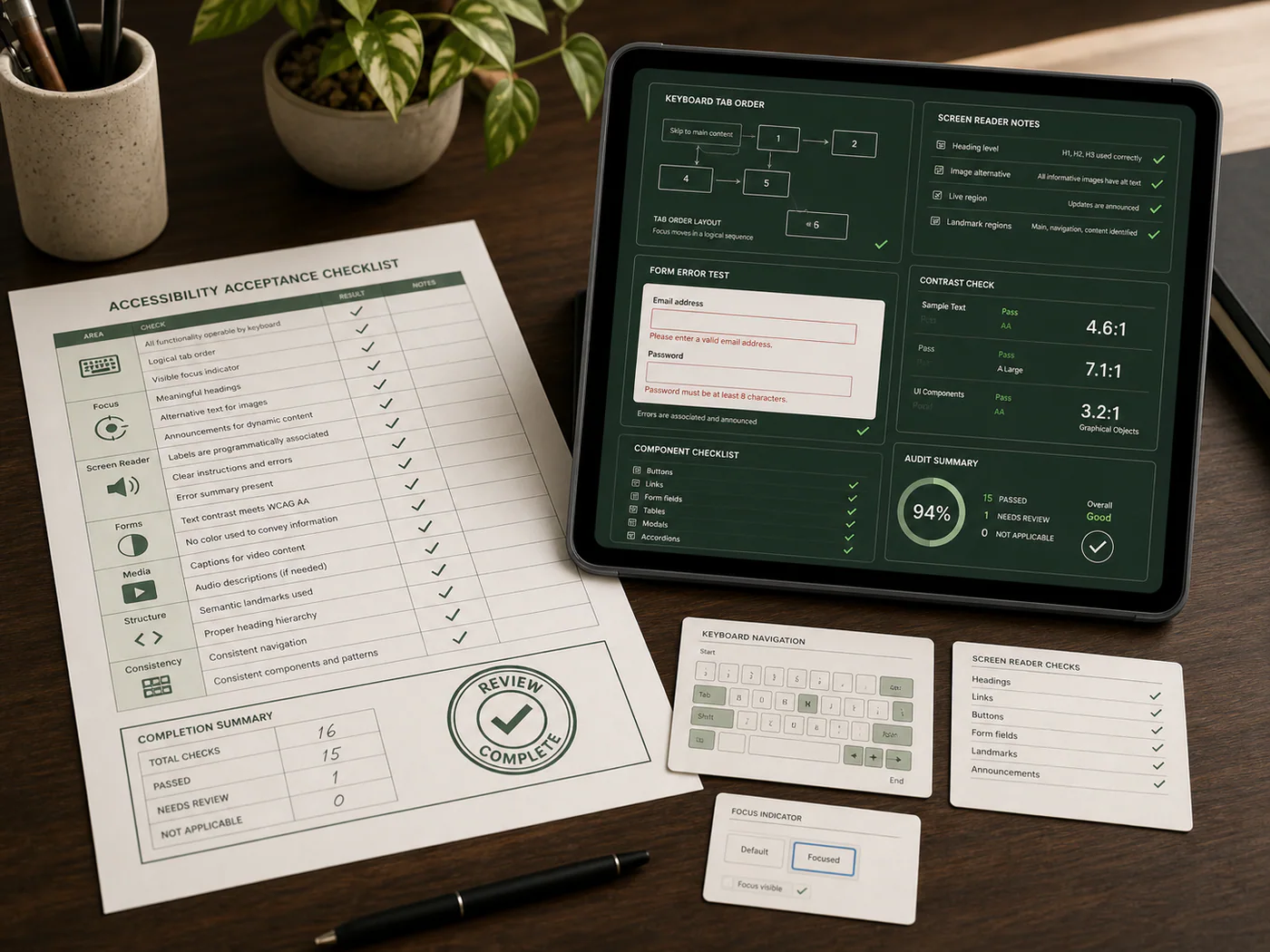
DigitxlLink accessibility checklist printed on a document with checked audit items on a desk
Engagement scope

What the engagement covers

Every project starts the same way: access to the real codebase and environments, manual auditing of the actual user journeys, prioritized code fixes, validation, and a documented path toward compliance.

Codebase Access & Installation

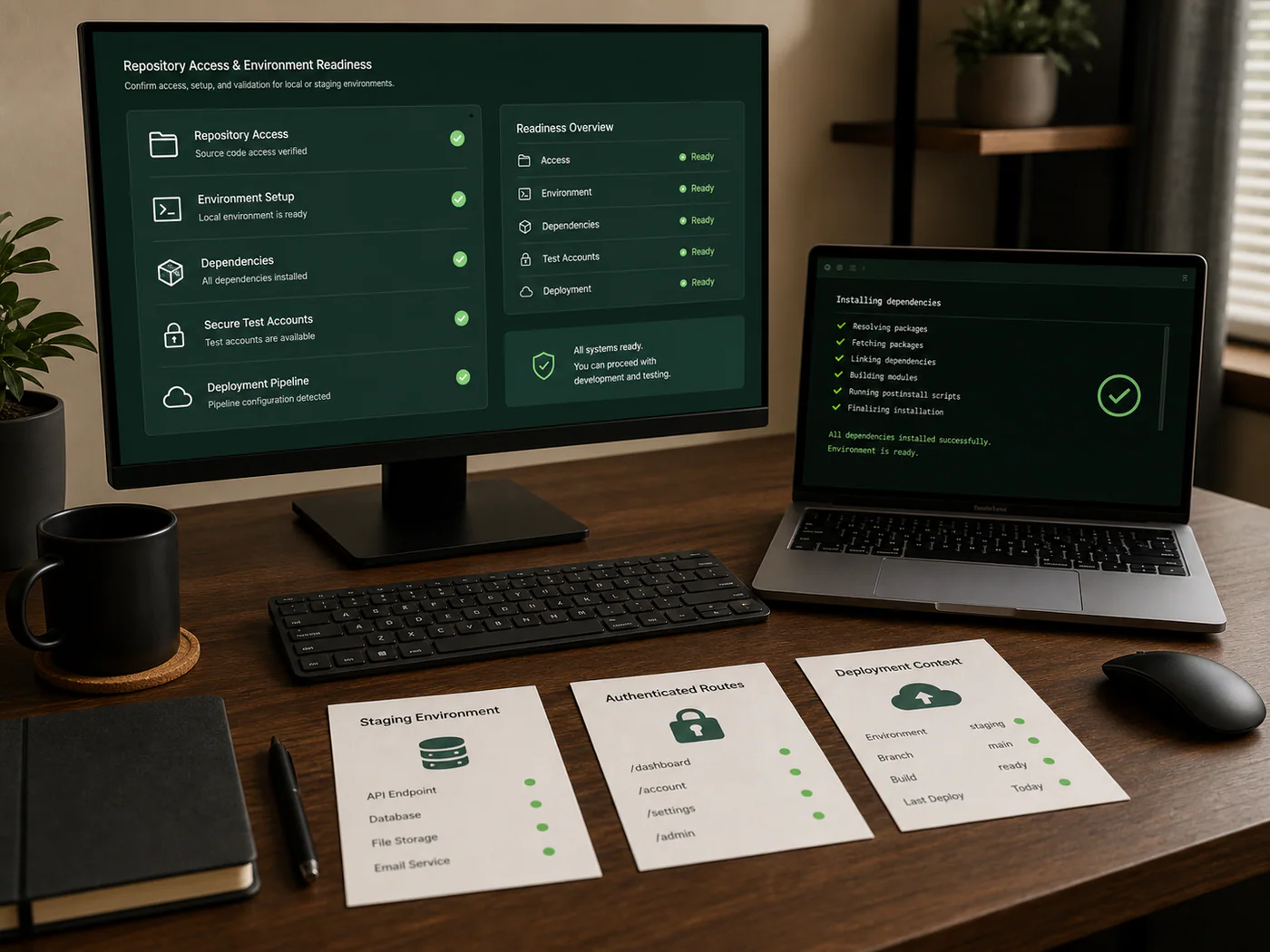
We start with repository access, staging or local environment setup, dependency install, authenticated routes, and any deployment context required to review the real product instead of screenshots or surface-level markup.

Repository access
Staging or local
Build dependencies
Authenticated states
Codebase access setup board with repository dependency staging authentication and deployment pipeline checks
Manual Audit & Issue Logging

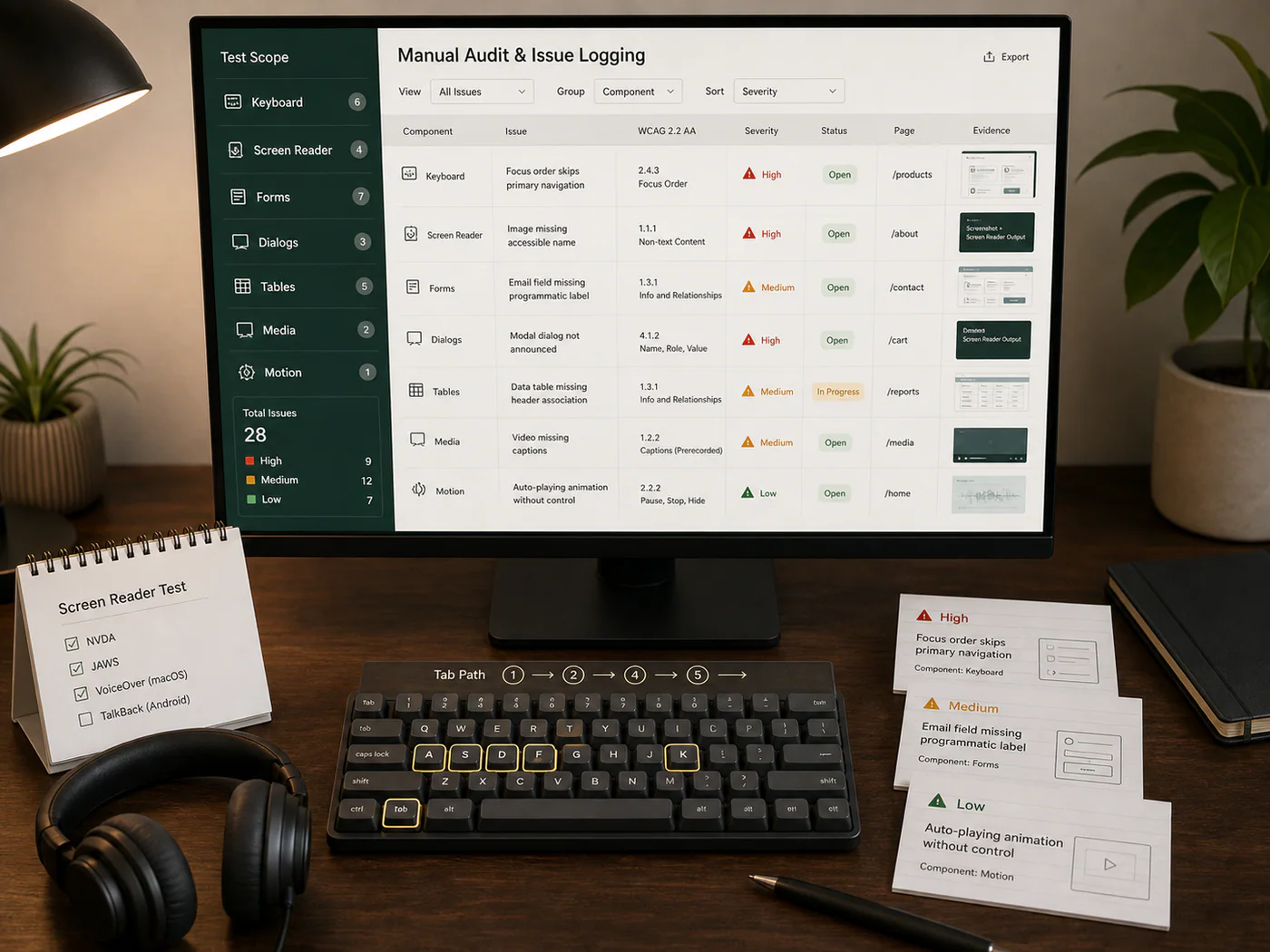
We run manual WCAG 2.2 AA review across keyboard flows, screen reader behavior, structure, forms, dialogs, errors, tables, media, and motion to document the issues that actually block users.

Keyboard review
Screen reader testing
WCAG issue log
Component inventory
Manual accessibility audit issue log with keyboard screen reader form error dialog table media and motion review cards
Code-Level Remediation

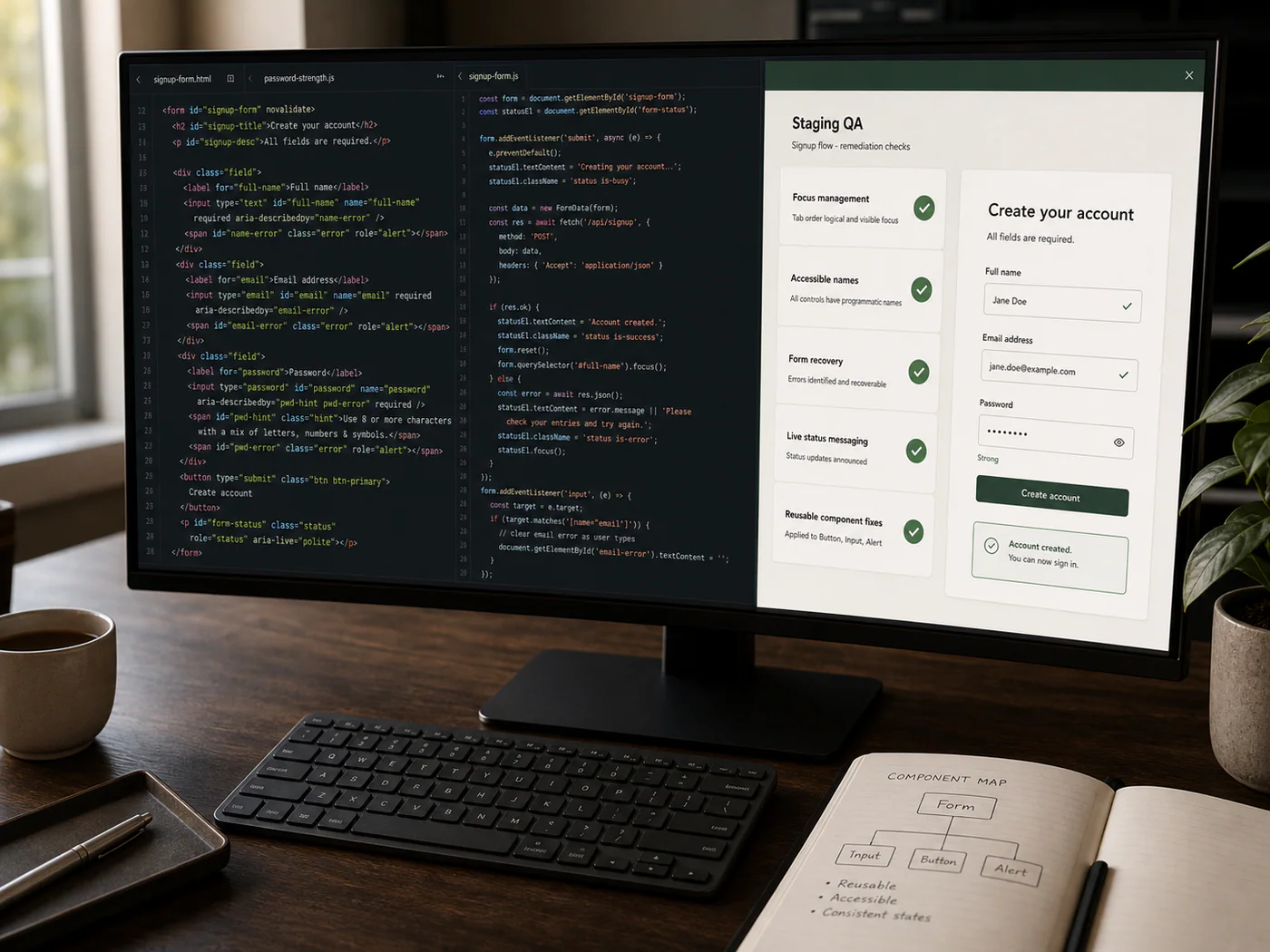
Findings are converted into actionable engineering work: semantic HTML, ARIA corrections, focus management, accessible names, form recovery, status messaging, and reusable component fixes.

Semantic fixes
Focus management
Forms and errors
Component repair
Code-level accessibility remediation board with semantic structure ARIA focus management form recovery status messaging and component fixes
Validation & Documentation

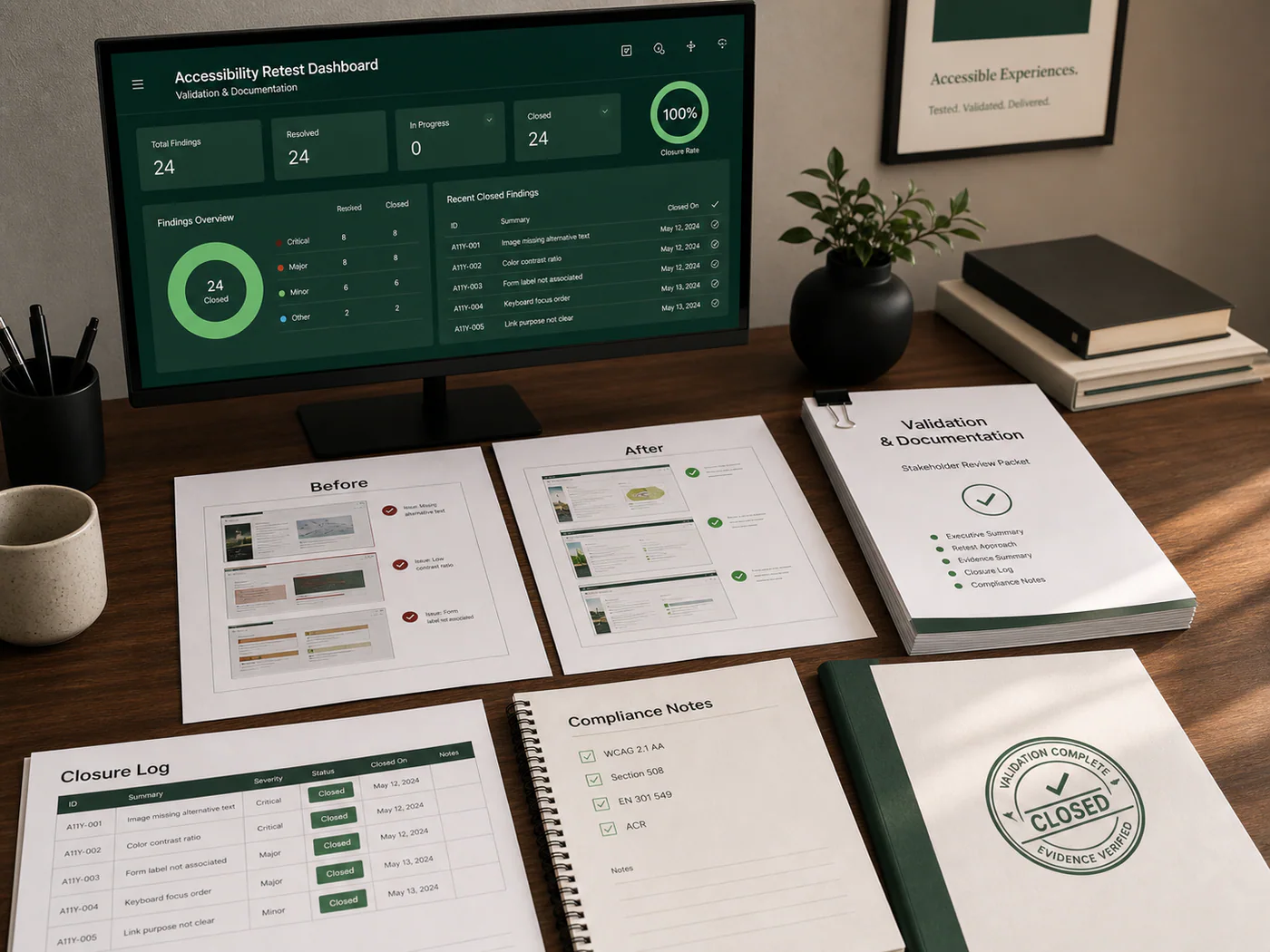
After implementation, we retest the repaired surface, confirm closure, and package the supporting documentation your team needs for internal tracking, stakeholder review, and external requests.

Retesting
Closure evidence
Compliance notes
Statement support
Validation and documentation package with retest evidence closure log compliance summary stakeholder review and external request materials
Ongoing Compliance Support

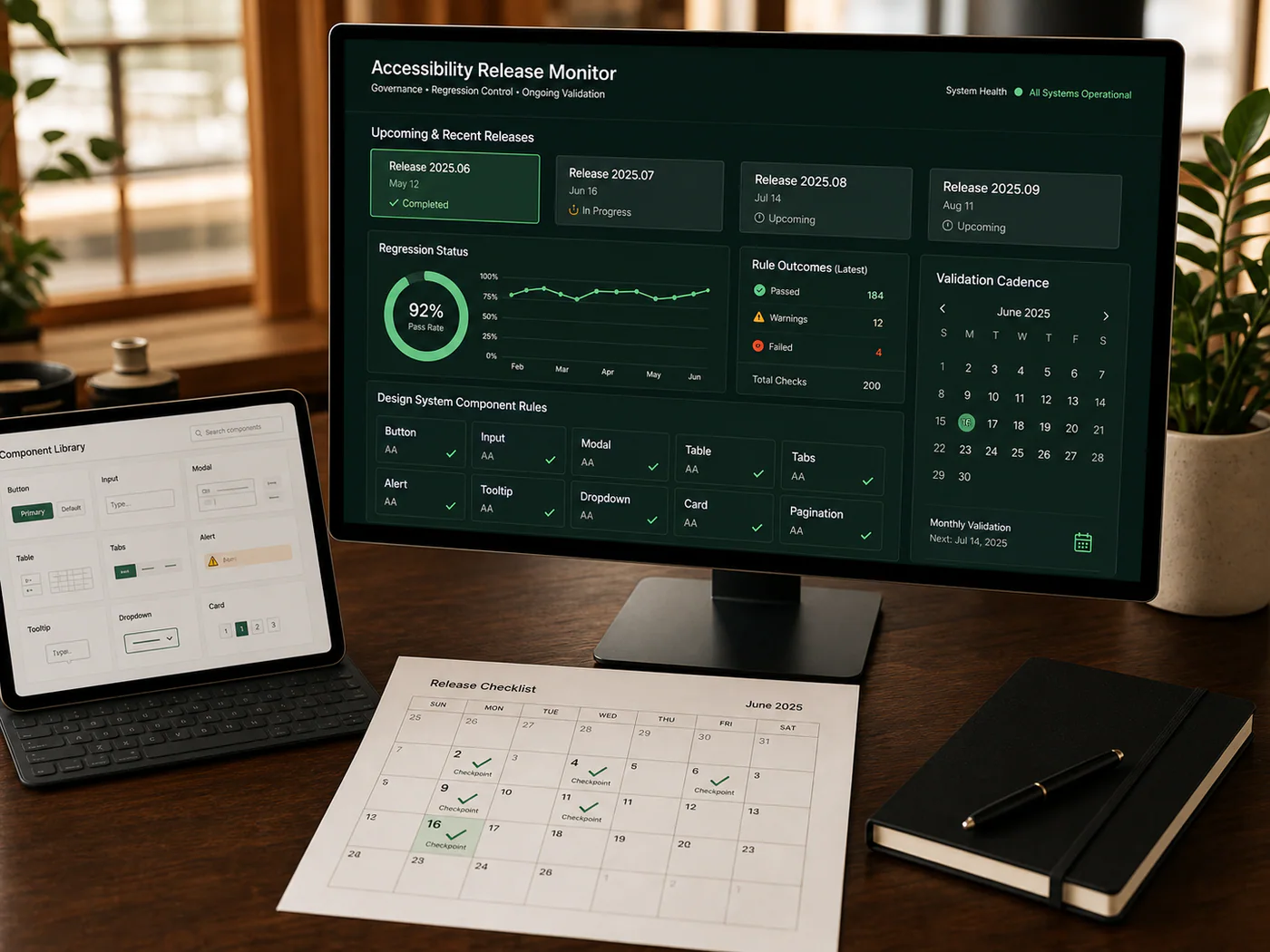
Accessibility has to survive future releases. We support regression review, release checkpoints, design system governance, and recurring validation so fixes do not decay after launch.

Release review
Regression control
Design system rules
Monitoring cadence
Ongoing compliance scope
Delivery timeline

What a typical remediation schedule looks like

Most remediation scopes land in 5-10 business days once access is granted. Smaller sites with fewer unique pages and templates often close faster.

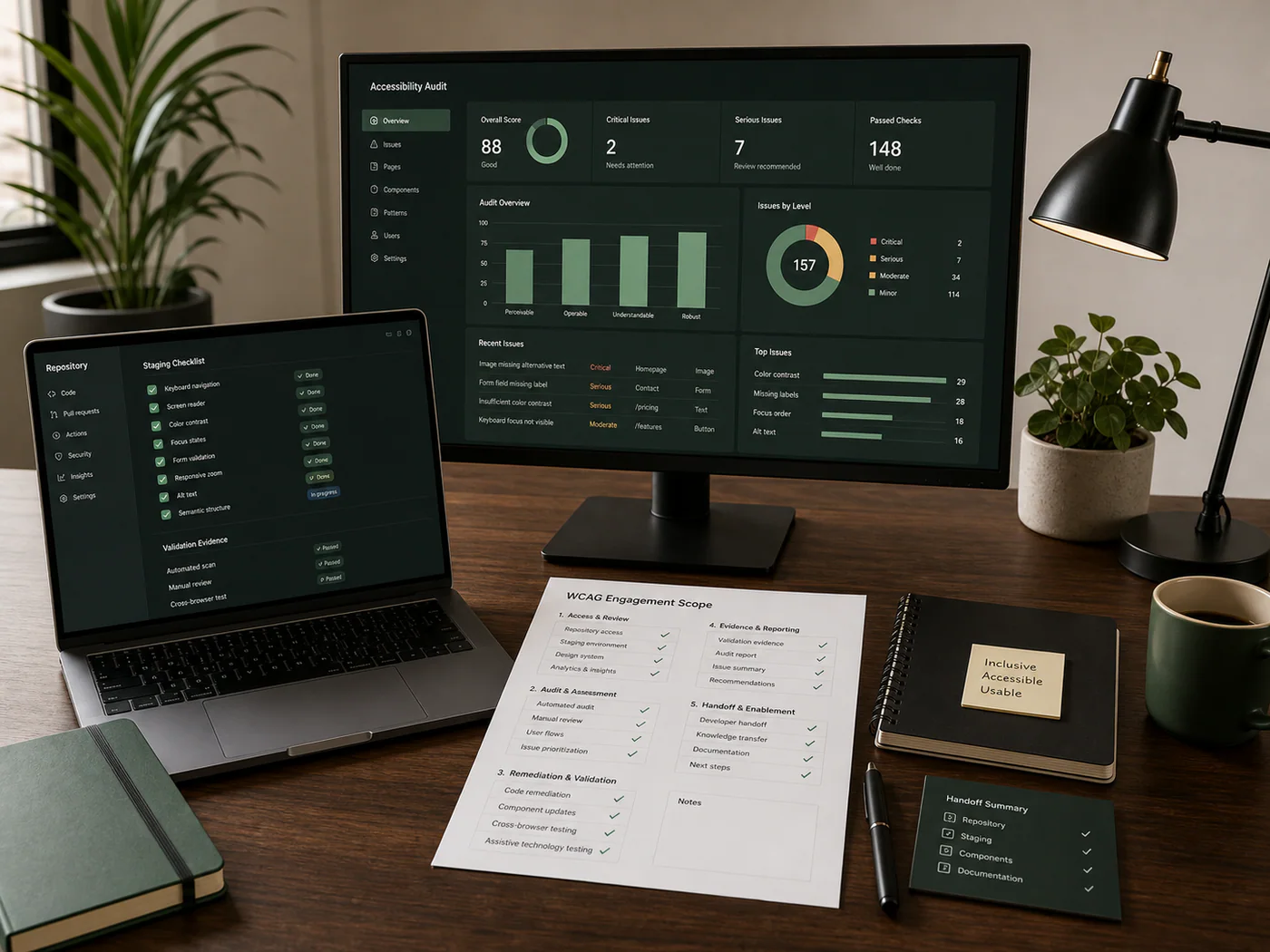
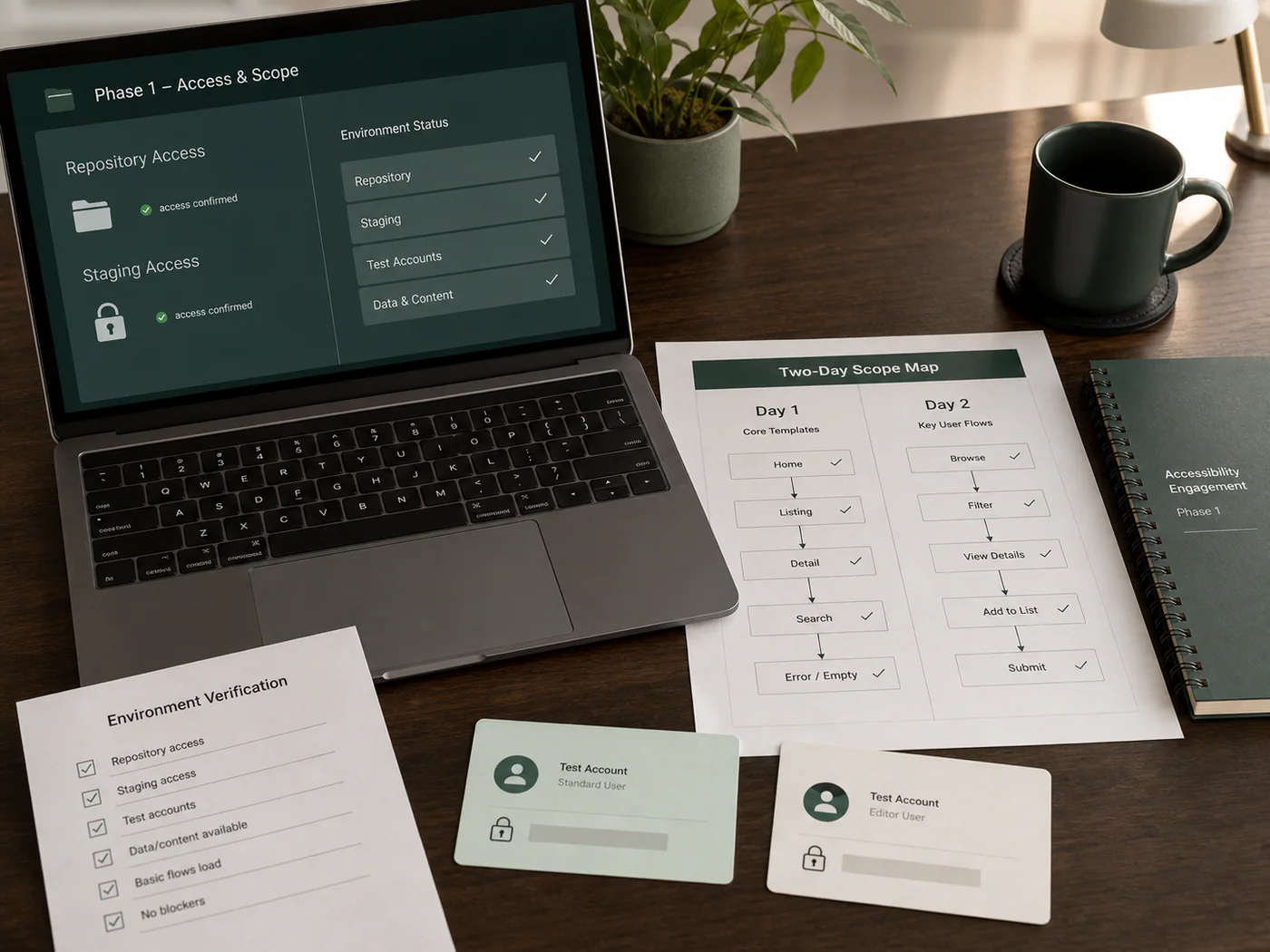
Codebase access confirmed dashboard with repository and staging checklist
Days 1-2
Kickoff, access, and scope lock

We secure repository or CMS access, verify staging, collect test accounts, and lock the exact templates, components, and user journeys included in the first remediation pass.

Kickoff and scope lock
Repository and staging access
Environment verification
Page and flow list confirmed
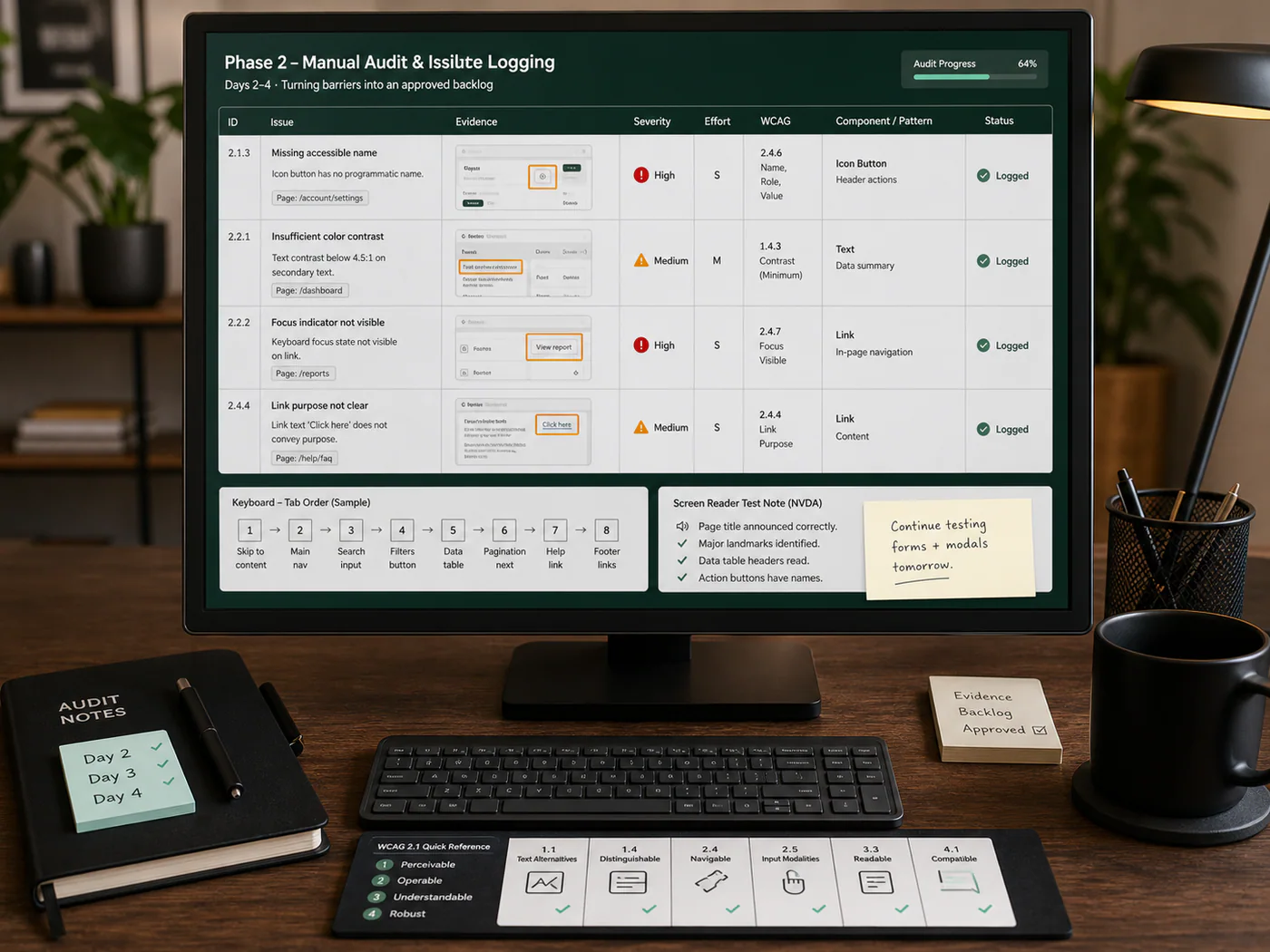
Accessibility audit issue log with screenshots severity and remediation notes
Days 2-4
Manual audit and issue logging

The agreed templates and priority user journeys are reviewed against WCAG 2.2 AA, with every defect logged alongside screenshots, severity, code context, and the exact remediation requirement.

Annotated issue log
Severity and effort ranking
Component-level patterns
Fix backlog approved
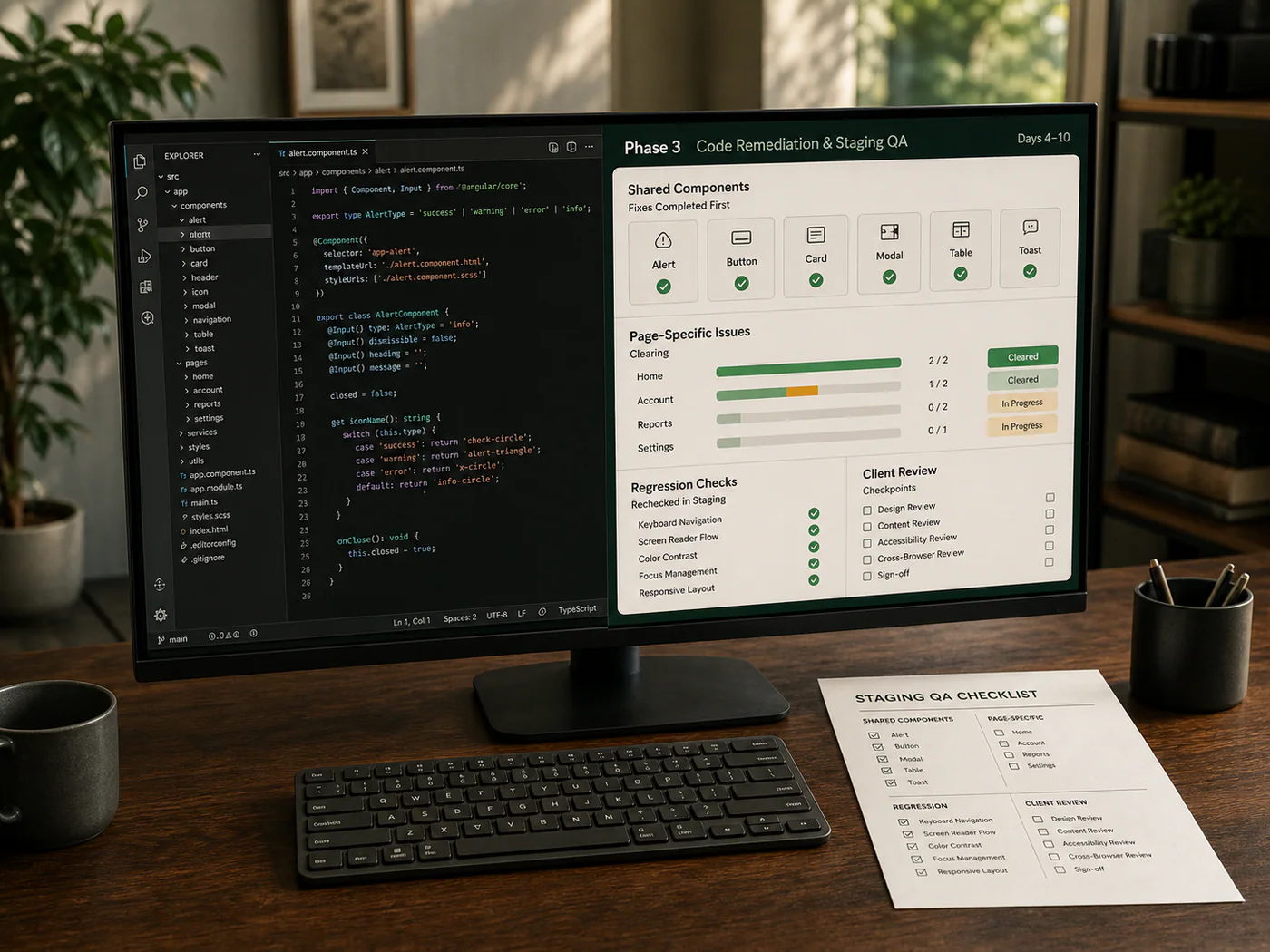
Code remediation workstation with staging QA checklist
Days 4-10
Code remediation and staging QA

Once the backlog is approved, fixes move directly into code. Shared components are corrected first, then page-specific issues are cleared in staging and rechecked as they land.

Component fixes shipped
Page issues cleared
Staging QA rechecks
Client review checkpoints
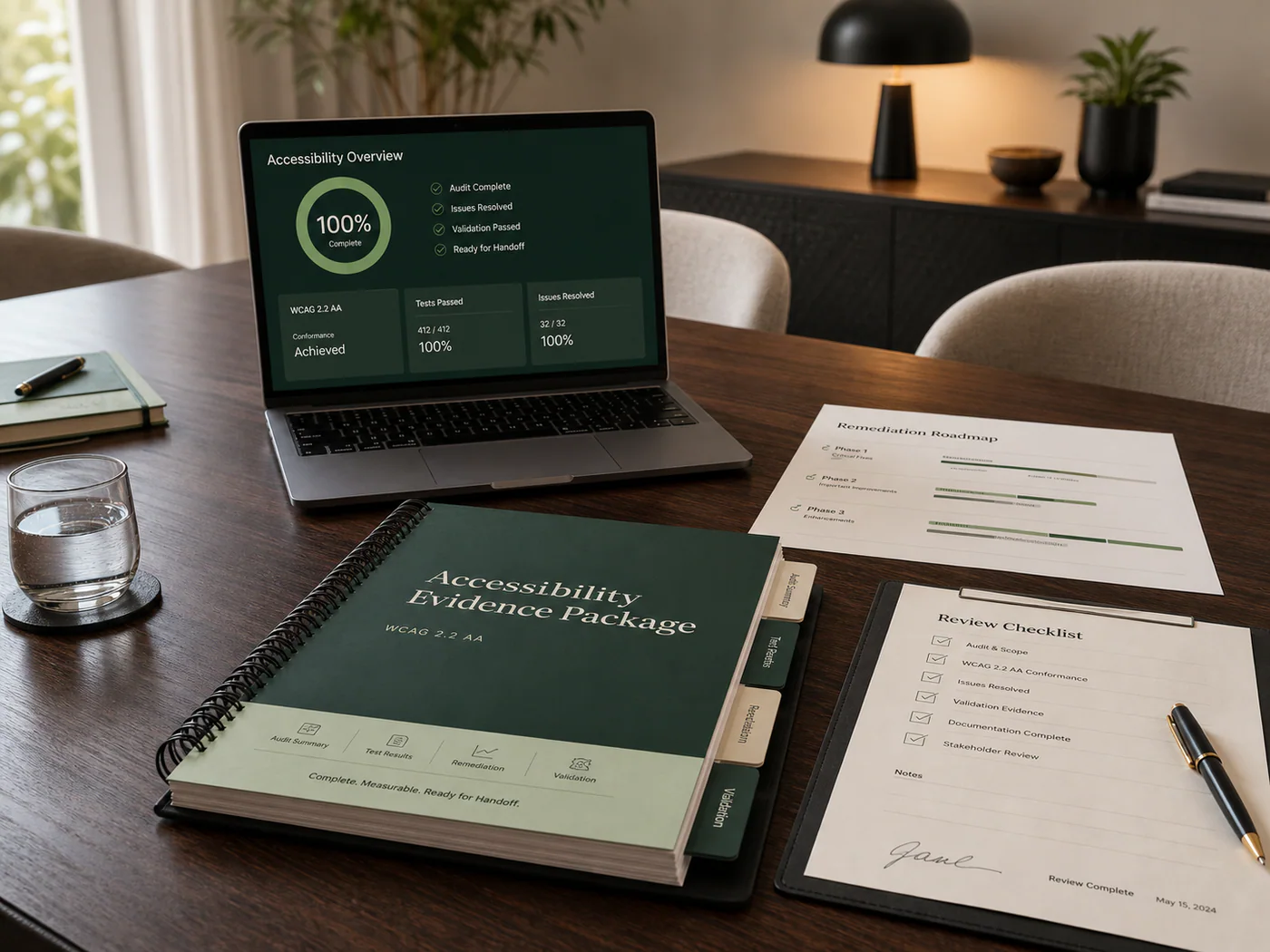
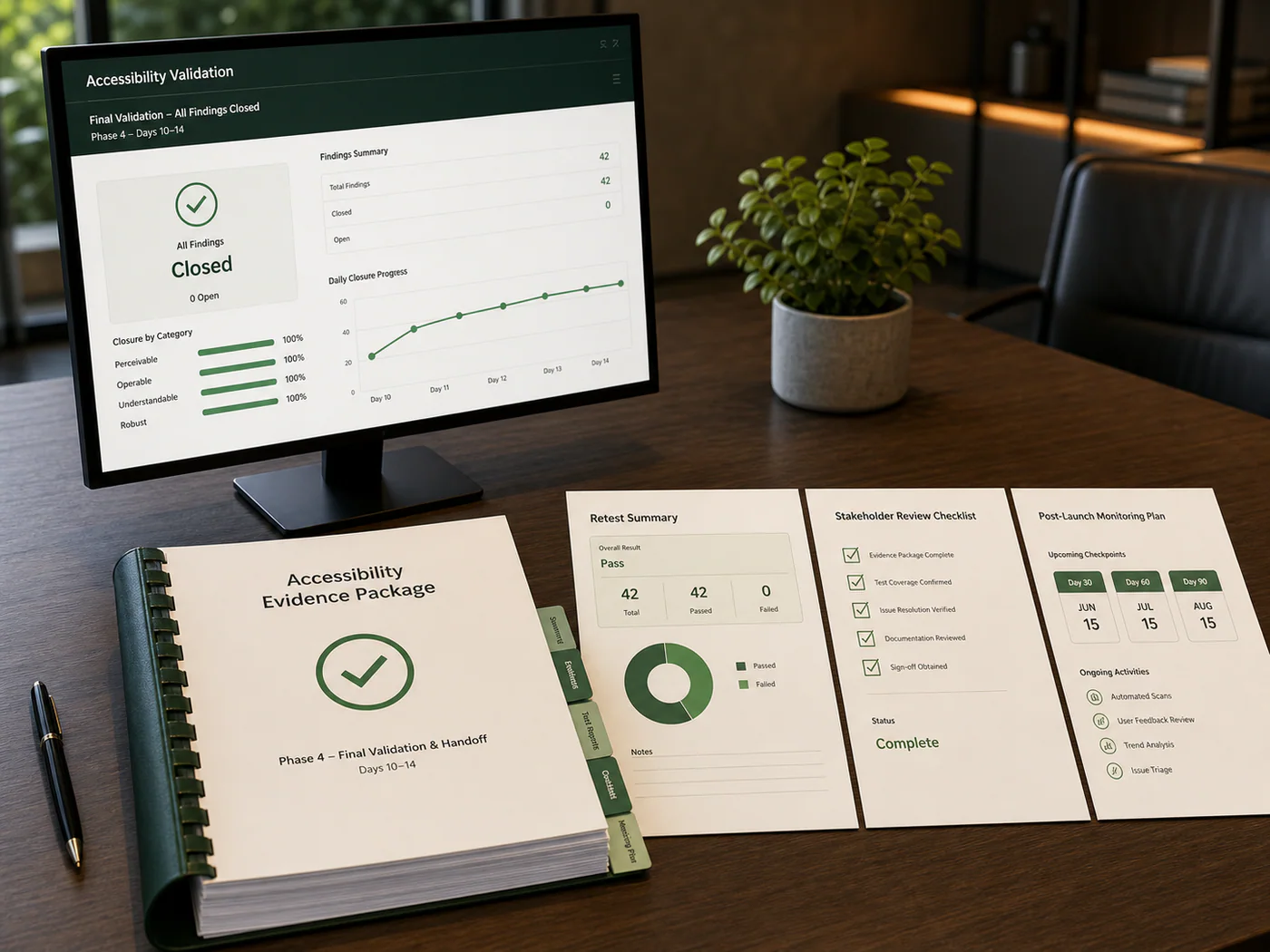
Final validation evidence package and stakeholder handoff checklist
Days 10-14
Final validation and handoff

We complete closure testing, package the evidence set, and hand off final status. Smaller sites often reach this stage inside the first week, while broader page counts still stay inside a two-week window.

Manual closure retest
Updated evidence package
Stakeholder handoff review
Post-launch monitoring plan
Traceability model

Every finding keeps its evidence trail

The scope is not just a list of activities. Each issue carries enough context to explain where it failed, why it matters, how it was fixed, and what confirmed closure.

Sample finding record
Retested closure

Focus state disappears after modal submission

A single accessibility issue stays connected to the affected journey, WCAG criterion, engineering fix, and retest result instead of becoming an isolated note in a PDF.

01
Observed failure

Keyboard user loses visible focus after submitting a protected form dialog.

02
Impact mapped

Blocks completion and maps to focus visibility and predictable interaction criteria.

03
Fix referenced

Component update restores focus target and exposes status messaging.

04
Closure retested

Keyboard and screen reader retest confirms the repaired flow closes cleanly.

Severity
Major user-flow blocker
Evidence
Screenshot, steps, assistive tech notes
Handoff
Backlog item, fix notes, retest status
Client communication

Clear updates by phone, Slack, and email

You are not left guessing where an issue stands. Phone calls handle decisions and blockers, Slack keeps managed services and active fixes moving cleanly, and email preserves the formal record for approvals, summaries, and handoffs.

01
Issue intake
Findings are posted with context.

Each issue is shared with affected page, user path, severity, evidence, and the first recommended next step.

02
Fix discussion
Implementation questions stay connected.

Slack threads keep code notes, design constraints, screenshots, and client feedback tied to the issue being fixed.

03
Escalation
Blockers move to a phone call.

When a decision affects scope, timeline, user experience, or legal risk, we move it out of async chat and resolve it directly.

04
Validation updates
Clients see what is closed.

Retest notes and remaining issues stay in the workstream, while final summaries and documentation are sent by email.

Scope related

Frequently asked questions

Answers to the questions teams ask before giving an ADA agency access to their codebase, backlog, and release process.

Scope support
Have a different question?

Send us the details and we will route the answer through the channel that fits best.

Contact us
Get a scoped answer
Share your question and we will follow up through the right channel.
Start a scoped WCAG review

Start with a clear read on your accessibility risk.

Share the product context, codebase or staging access, and the questions your team needs answered. We will map the scope, explain the likely risk, and keep follow-up clean through phone, Slack, and email.

DigitxlLink WCAG audit report printed on a desk beside a laptop
Prepared for handoff

Findings, remediation notes, retest evidence, and procurement-ready records stay attached to the same workstream.