Accessibility remediation that fixes real user blockers.
Source-level WCAG 2.2 AA remediation for websites, apps, and SaaS — built for teams that need barriers fixed in the codebase, validated in real flows, and documented for release.

What remediation fixes
Each remediation engagement turns known accessibility findings into source-level fixes your product and engineering teams can release.

Headings, landmarks, labels, names, roles, and content structure are repaired where the code creates the barrier.

Tab order, focus visibility, skip paths, menus, modals, and escape behavior are fixed in reusable patterns.

Names, roles, states, live regions, announcements, and reading order are corrected against expected user behavior.
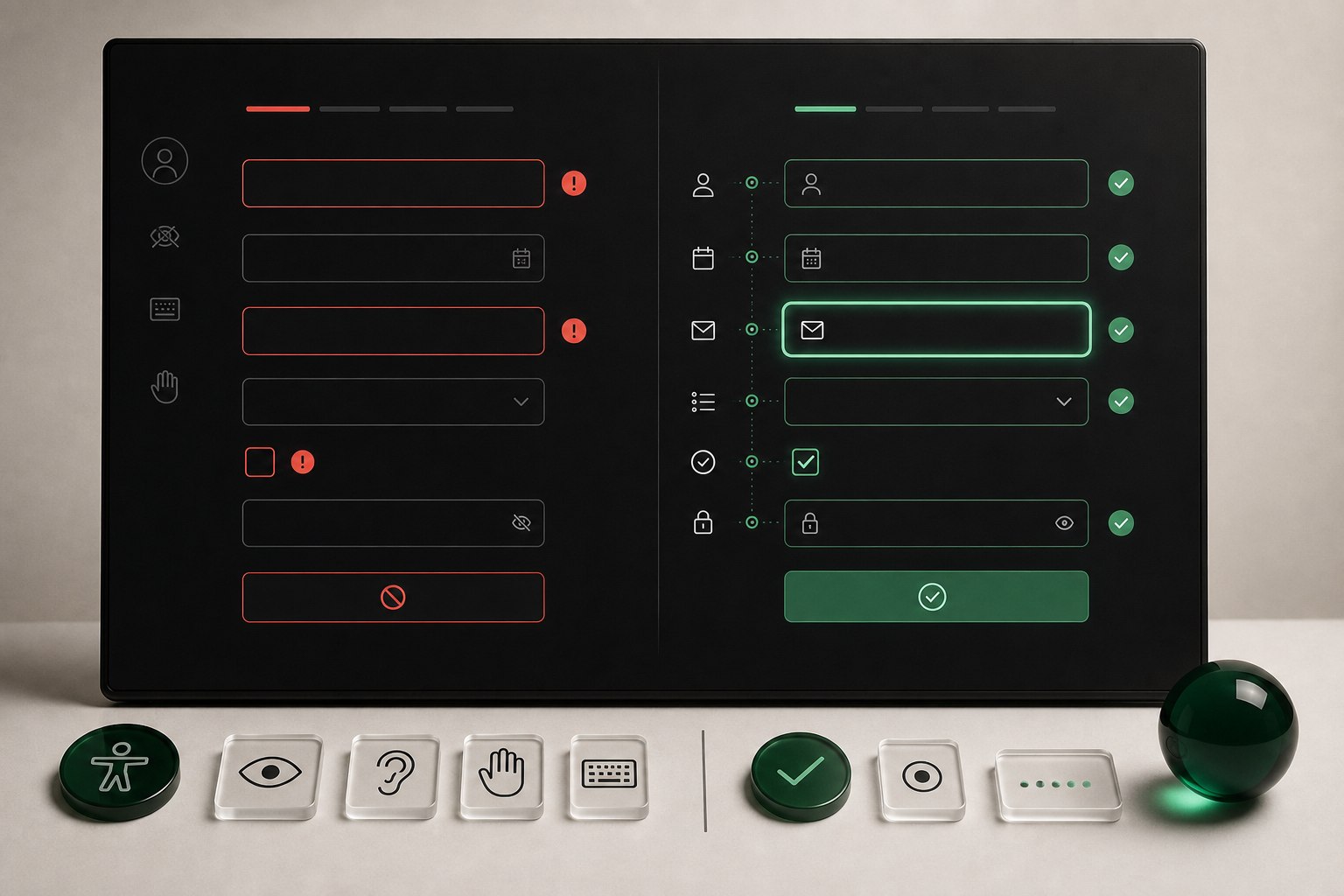
Labels, required states, descriptions, validation messages, and recovery paths are wired so forms can be completed.

Contrast, responsive states, zoom behavior, link treatment, and content presentation are corrected in the source.

Resolved items are mapped back to the original finding with notes your team can use for release review.
From findings to shipped fixes
The remediation workflow keeps product, design, engineering, and compliance aligned from first triage through final validation.

We confirm the backlog, affected code areas, access model, and release constraints before edits begin.

We repair the source of the issue in templates, components, scripts, styles, and content patterns.

Fixes are checked against the original user task, nearby states, and regression risk.

Your team receives resolved items, changed areas, validation notes, and any remaining risk to schedule next.
Remediation outputs your team can ship
The deliverables are built for implementation, review, release planning, and follow-up validation.
Code remediation questions
Common questions about access, source fixes, validation, and what your team receives.

Clear the backlog. Ship fixes that hold.
Turn accessibility findings into source-level fixes, validation notes, and a release-ready remediation path aligned to WCAG 2.2 AA, Section 508, EAA, and ADA risk.