What makes a mobile app system manageable?
A manageable app system gives teams a controlled way to update content, review accounts, support workflows, and extend features without rebuilding the product every time.

A manageable app is more than user-facing screens
Mobile apps often fail operationally before they fail visually. The interface may look polished, but the team still needs a reliable way to update content, review accounts, support workflows, assign roles, monitor activity, and extend the product after launch.
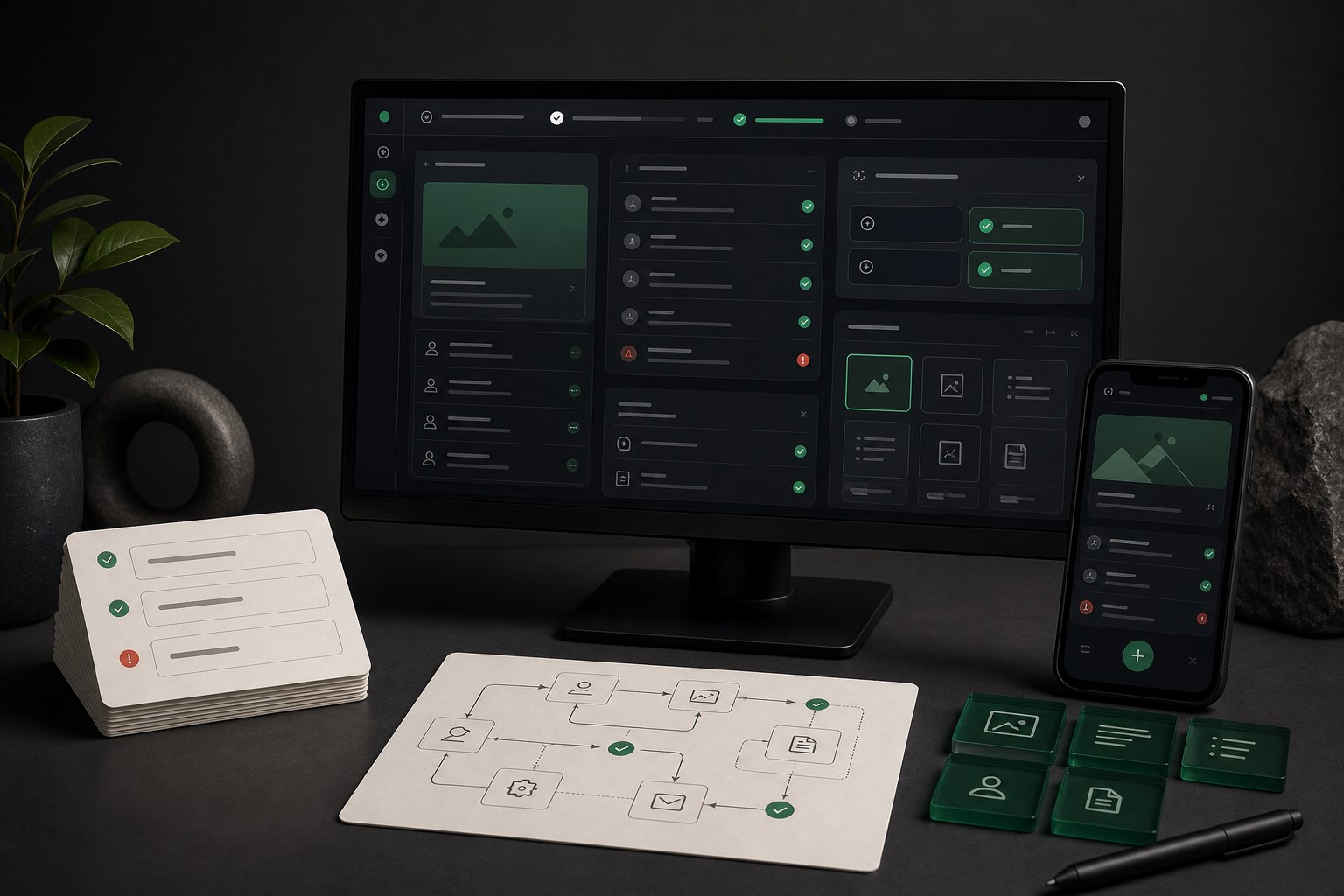
A manageable app system defines how the product will be operated. It clarifies what the team can update without developer help, which workflows need admin tools, what data needs review, which systems are connected, and how future changes can fit into the existing structure.
Good systems protect the app from becoming fragile. Reusable components, predictable screen patterns, documented workflow rules, and clear ownership notes make updates easier without turning every change into a custom development project.
The operating layer behind the app
The app a customer sees is only one part of the product. Behind it, the business may need content controls, account review, fulfillment steps, staff notes, payment status, support history, notification rules, reporting, and moderation. If those operational needs are not planned early, teams end up using spreadsheets, inboxes, and manual workarounds to run a digital product.
A manageable app identifies those needs before launch. The goal is not to build every possible admin feature on day one. The goal is to decide which operational controls are required now, which can wait, and what should be documented so the product does not become confusing as it grows.
- Who updates app content, pricing, descriptions, schedules, resources, or labels.
- Who reviews users, submissions, requests, payments, support messages, or flagged content.
- Which actions require approval, escalation, audit history, or manager-level access.
- Which data comes from a CMS, database, CRM, payment tool, scheduling platform, or API.
- Which issues should be solved inside the app and which should move into support or operations.
Reusable patterns reduce future friction
Reusable screen patterns keep the app consistent and easier to expand. If every new feature uses a different layout, form behavior, error message, or navigation pattern, the product becomes expensive to maintain. A reusable system gives the team a set of proven building blocks that can support the first release and future versions.
- Reusable screen components for lists, profiles, forms, dashboards, empty states, detail views, and confirmation screens.
- Shared states for loading, empty, success, error, permission denied, offline, and unavailable content moments.
- Consistent content areas for headings, descriptions, metadata, tags, status labels, calls to action, and helper text.
- Predictable navigation patterns for tabs, menus, account areas, back paths, filters, and search.
- Button, input, alert, card, and modal patterns that preserve accessibility and interaction consistency.
Admin and content workflows need structure
Many mobile app projects treat admin workflows as a later detail. That can work for a prototype, but it creates problems for a real product. If admins cannot manage content, resolve user issues, or see the status of important workflows, the app becomes hard to operate even when the customer-facing experience looks complete.
Manageable systems define the admin tasks that matter for the first release. Some apps need a full dashboard. Others only need content notes, manual review steps, role guidance, or a simple maintenance path. The important part is making the operating model explicit.
- Content updates: articles, products, services, images, labels, FAQs, onboarding copy, and support resources.
- User management: account lookup, status review, password support, role changes, and profile issue handling.
- Workflow management: requests, bookings, orders, tickets, submissions, approvals, or task queues.
- Communication: notification triggers, email templates, push notification rules, and support message expectations.
- Reporting: basic visibility into usage, conversion paths, drop-offs, support issues, and operational bottlenecks.
Roles and permissions protect the system
Role planning matters because not every user should see or edit the same information. Customers, staff, admins, vendors, moderators, managers, and support teams may all need different access. Without role boundaries, the app can expose sensitive information, create operational mistakes, or force every task through one overpowered admin account.
For early releases, role planning does not need to be complex. It does need to be clear. Teams should know who owns each part of the app, who can update production content, who can access user data, and who is responsible when support issues appear.
- Customer access for personal information, settings, purchases, messages, or saved content.
- Staff access for workflow review, fulfillment, internal notes, and issue resolution.
- Admin access for content, roles, settings, integrations, and system-level changes.
- Partner or vendor access when external teams need limited visibility into requests or records.
- Ownership notes for credentials, app store accounts, APIs, analytics, and production systems.
Integrations should not be a mystery
Most useful apps connect to other systems. That might include authentication, payments, subscriptions, calendars, CRM records, inventory, maps, push notifications, analytics, support tools, or content management. A manageable app explains what each connection does and who owns it.
Integration notes help future developers, support teams, and business owners understand the product without reverse-engineering it. They also reduce risk when credentials rotate, APIs change, or a future feature depends on the same data.
- What each connected system is used for and which app screens depend on it.
- Which credentials, API keys, accounts, or environments the client owns.
- Which data is read, written, cached, synced, or manually reviewed.
- What happens when an integration is unavailable, slow, or returns an error.
- What should be monitored after launch, including failed requests, payment issues, account errors, or analytics gaps.
Accessibility defaults keep the product easier to use
Manageability includes accessibility because accessible patterns are easier to support over time. If labels, touch targets, contrast, hierarchy, keyboard paths where relevant, and state messages are inconsistent, every future update has more room to break the experience.
Accessibility defaults give the product a stable baseline. Formal accessibility auditing may still be separate, but the app should not wait until the end to consider readable content, clear controls, understandable errors, and assistive technology expectations.
- Readable headings, labels, helper text, and error messages across repeated screen patterns.
- Touch targets and spacing that support mobile use without accidental taps.
- Consistent state messaging for loading, empty, error, success, disabled, and permission moments.
- Contrast and visual hierarchy that help users understand priority and action.
- Documentation of accessibility considerations that future updates should preserve.
What you should receive at handoff
A manageable app handoff should make the product easier to operate after delivery. It should not leave the client guessing how screens relate, where content lives, which accounts matter, or how future improvements should be approached.
- Reusable app screens and components mapped to common product needs.
- Admin and content workflow notes for the tasks your team needs to maintain.
- Role, access, and ownership guidance for the systems connected to the app.
- Integration notes for APIs, content systems, analytics, payments, notifications, and support paths.
- Known limitations, future-phase recommendations, and maintenance priorities.
- Accessibility, monitoring, and QA notes that explain what should be protected in future updates.
Questions to answer before build
The best time to plan manageability is before development begins. These questions help separate launch requirements from later improvements.
- What content or data will change after launch, and who needs to update it?
- Which user actions create a record, request, payment, message, booking, or support task?
- Which admin actions need approval, history, reporting, or restricted access?
- Which systems must stay connected for the app to work?
- Which issues should be handled by the app, and which should move to customer support?
- What information will a future developer or internal team need to maintain the product safely?
Conclusion
A manageable app system keeps the product useful after launch. It gives teams practical control while protecting the user experience, workflow structure, integration clarity, and accessibility foundations.
The goal is not to make the first version bloated. The goal is to make the first version understandable, supportable, and ready to grow without forcing the team to rebuild the product every time the business changes.