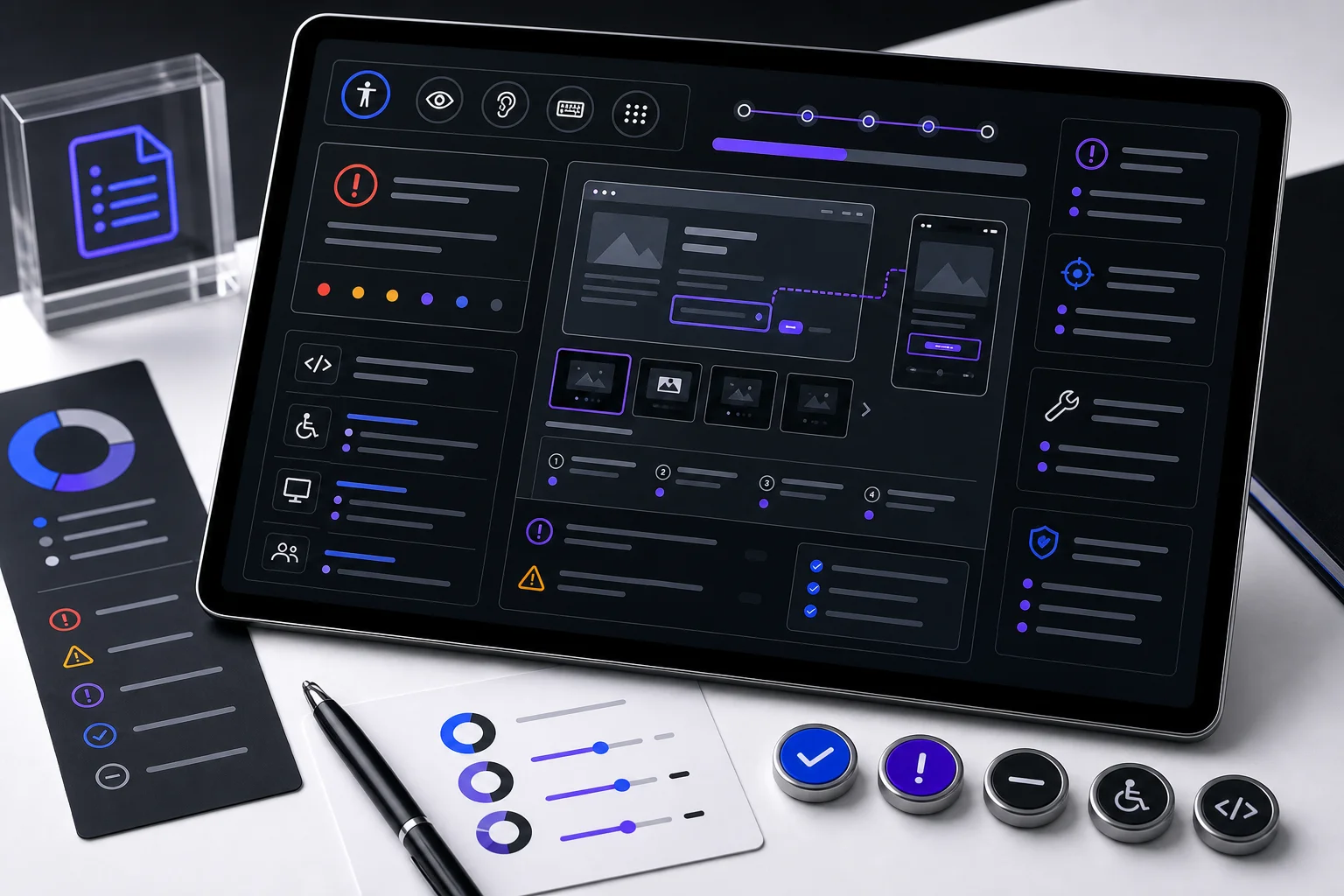
Issue report
Every finding is written so product, design, engineering, and compliance can understand the barrier, reproduce it, and decide what needs to happen next.

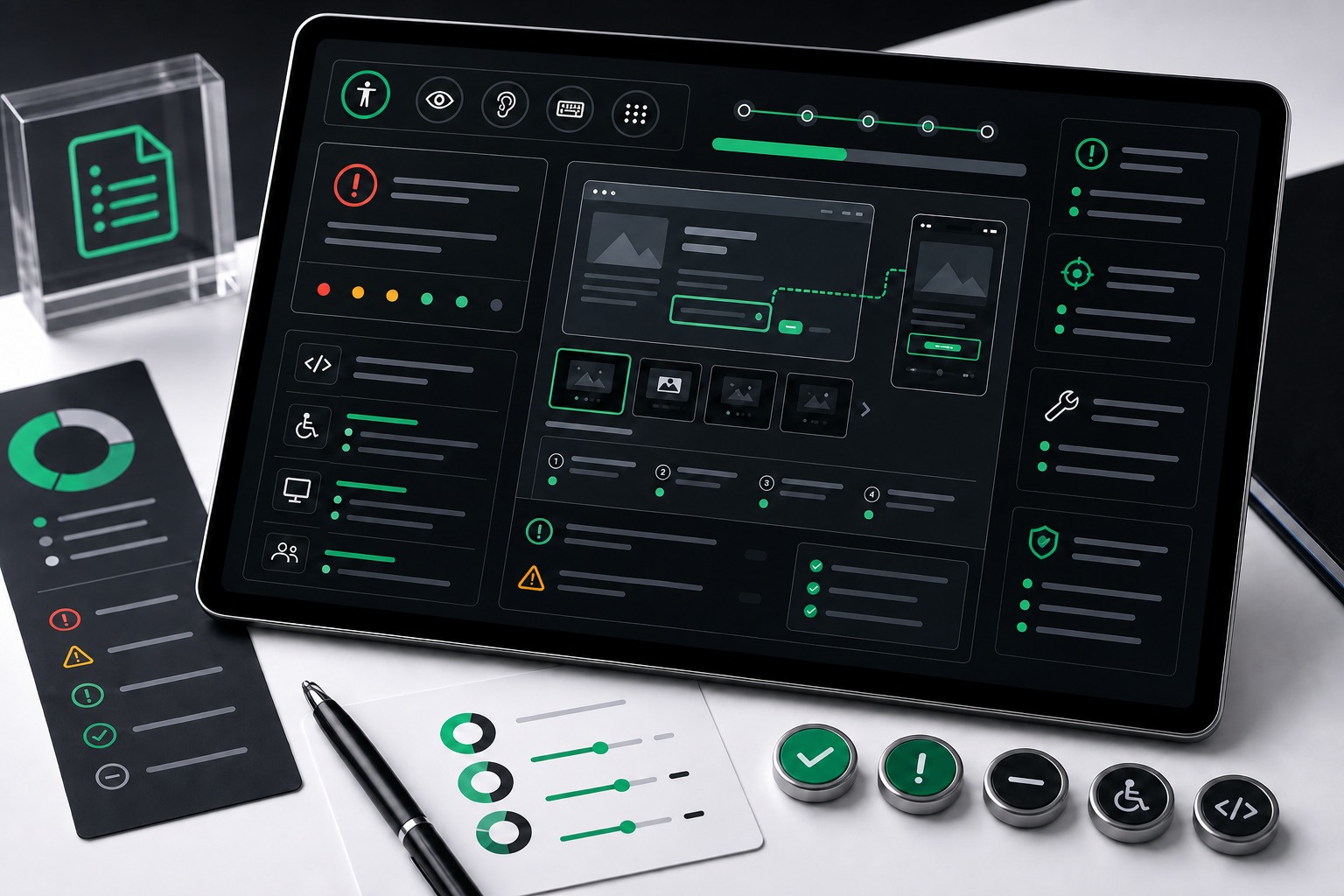
The report turns barriers into usable work
An accessibility issue report is more than a list of failed criteria. It connects each barrier to the user task it affects, the exact place it occurs, the WCAG requirement involved, and the fix guidance a team can act on.
The goal is to remove guesswork. When a finding reaches engineering, the team should not need to rediscover the issue, debate whether it matters, or infer the expected behavior from a vague scanner result.
What each finding includes
- User impact: who is affected and how the barrier changes the task outcome.
- Severity: whether the issue blocks, delays, confuses, or degrades a meaningful path.
- Location: URL, template, component, state, viewport, selector, or user flow where the issue appears.
- WCAG mapping: success criteria and standard context such as WCAG 2.2 AA, Section 508, EN 301 549, or EAA needs.
- Evidence: screenshots, notes, assistive technology observations, and reproduction steps.
- Remediation notes: expected behavior and implementation guidance written for handoff.
Evidence supports the report
Evidence matters because stakeholders use the report in different ways. Engineers need enough detail to fix the issue. Product owners need priority and impact. Compliance teams need a record that explains why the item was logged and how it should be validated later.
For manual findings, evidence can include keyboard behavior, screen reader output, focus order, form recovery, zoom or reflow behavior, visual contrast, live-region behavior, and the exact state required to reproduce the problem.
Severity is tied to the real journey
Severity is not assigned by criterion alone. A contrast issue on a primary login button can carry more urgency than the same color issue on a decorative label because the login button controls access to the product.
- Critical findings block access to core flows or prevent task completion.
- High findings affect important actions, repeated components, or legally sensitive journeys.
- Medium findings reduce clarity, efficiency, or confidence but may have a workaround.
- Low findings are still tracked, but they are usually sequenced behind task-blocking barriers.
Developer notes make remediation faster
Good issue documentation explains the expected user experience. A fix note might specify keyboard behavior, accessible names, focus movement, ARIA state, contrast targets, field-level error behavior, or when a design-system component needs to change instead of one page.
When the issue appears across templates or shared components, the report calls that out so the fix can remove the repeated barrier instead of patching pages one by one.
What you receive
- A prioritized issue log organized by severity, user impact, affected area, and WCAG criteria.
- Reproduction steps and evidence for each finding.
- Remediation notes written for design, content, engineering, and QA handoff.
- Signals for which findings should become shared component fixes or roadmap items.
- A foundation for remediation planning, retesting, ACR documentation, and future audit records.