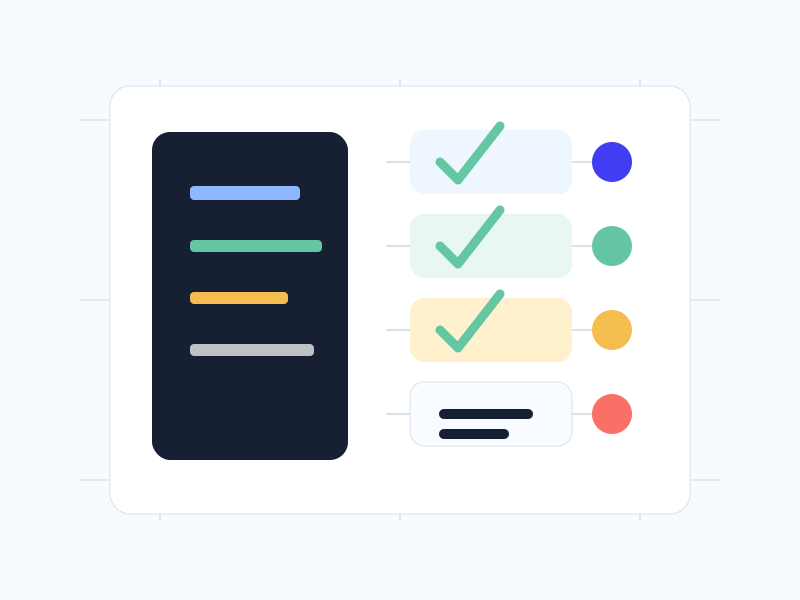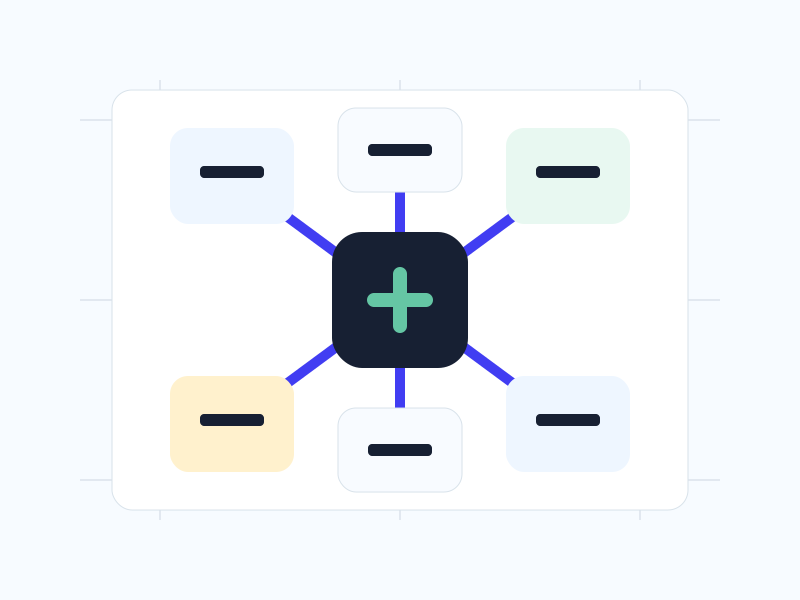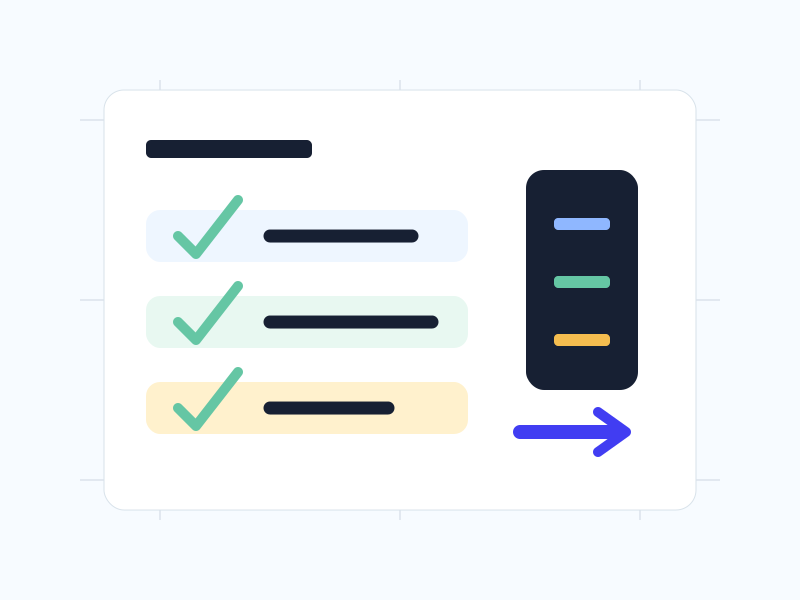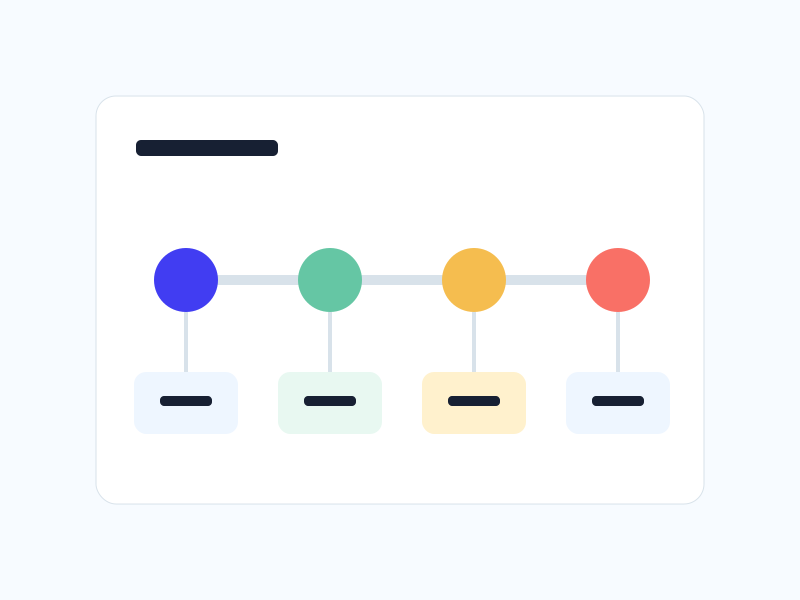
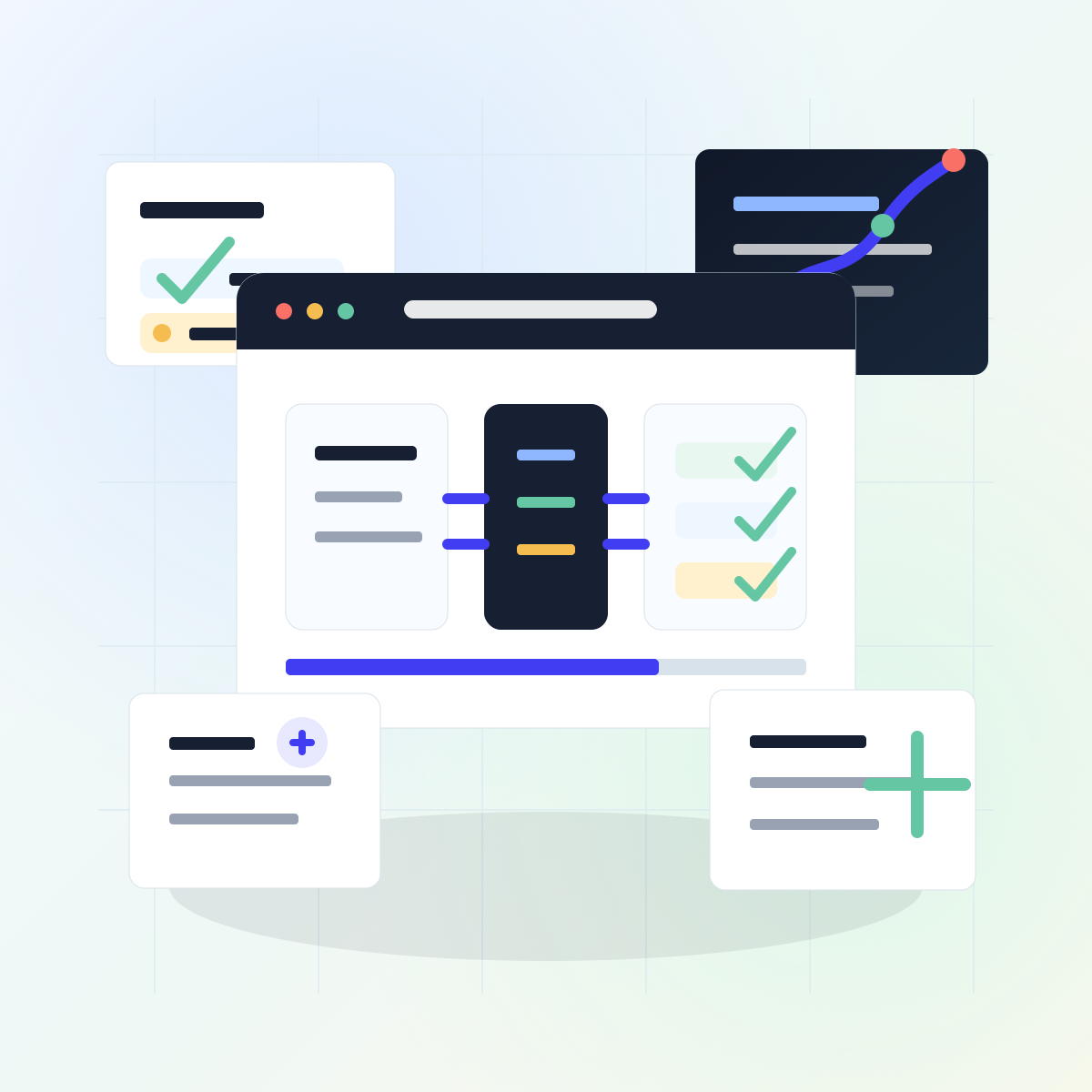
AI workflow automation workspace with intake records, routing, review, integrations, and reporting panels
AI Workflow Automation

AI workflows built around real operations, clean handoffs, and human review.

We design scoped automation for intake, client operations, reporting, internal assistants, and repetitive team workflows so your process becomes faster without becoming harder to trust.

IntakeOperationsReportingHuman review

What AI workflow automation covers

The goal is not to add random AI tools. Each workflow is mapped to a business process, a clear owner, a defined input, an expected output, and a review point before anything important reaches a client or system of record.

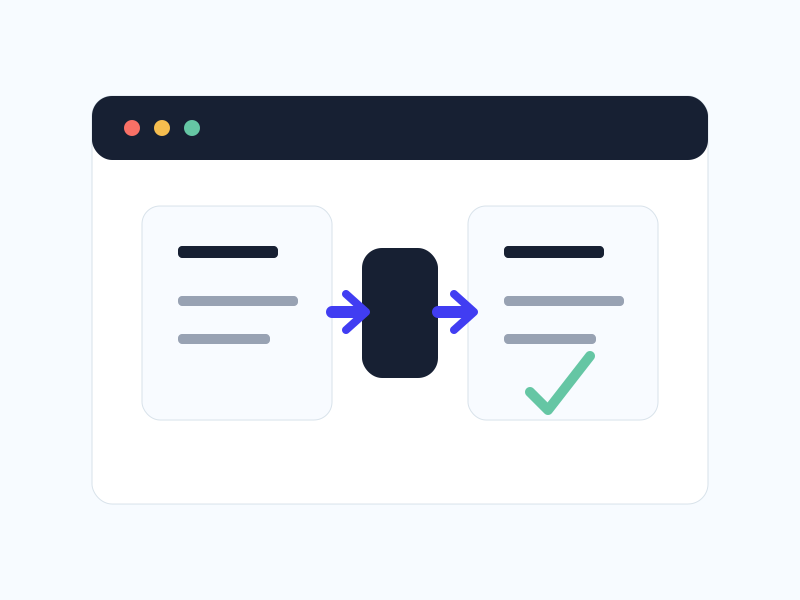
Client intake and triage automation workflow
Intake & Triage

Forms, emails, uploads, or submissions can be sorted into the right status, priority, owner, and next action before your team reviews them.

Client operations automation board
Client Operations

Lead follow-up, client records, task handoffs, meeting notes, and status updates are organized so teams are not rebuilding the same context every day.

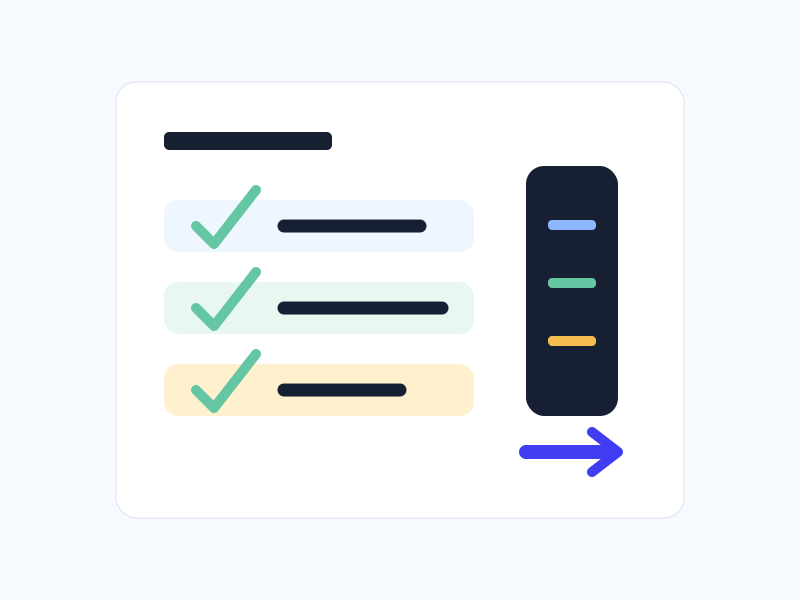
Automation reporting dashboard with reviewed notes
Reporting Workflows

Internal reports, client summaries, QA notes, and recurring performance updates can be drafted from trusted data and reviewed before delivery.

Internal AI assistant with source cards and human review
Internal Assistants

Scoped assistants help teams answer process questions, draft repeatable notes, summarize context, and follow approved instructions.

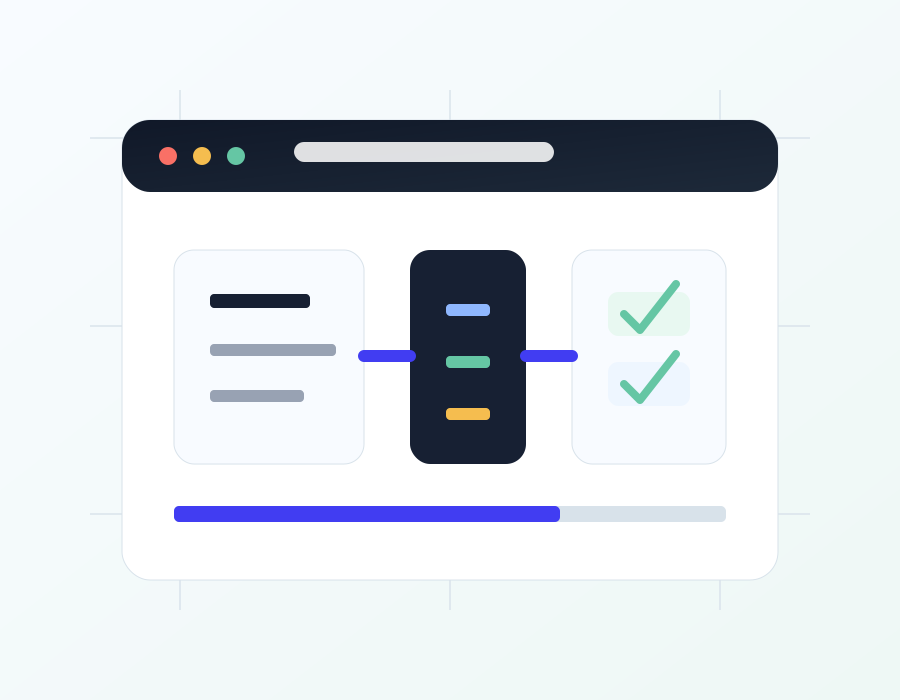
Connected automation integrations for business systems
System Integrations

Automation can connect forms, spreadsheets, CRMs, calendars, email, project tools, and reporting dashboards when the data path is clear.

Automation handoff and QA documentation
Governance & Handoff

Workflows include clear rules, QA scenarios, exception notes, ownership guidance, and documentation so the team knows how to manage them.

AI Workflow Pricing

Automation scoped around one clear operational outcome at a time.

Choose a planning audit, a focused build sprint, or ongoing support after launch. Every engagement starts with workflow boundaries, data access, approval steps, and risk notes before implementation begins.

Workflow Audit

Starting at $950

A focused review of repetitive operations, tools, data flow, and automation opportunities before your team commits to building.

  • Up to 3 workflow candidates
  • Tool and data inventory
  • Manual step and bottleneck review
  • Automation fit and risk notes
  • Priority build recommendations
  • Implementation roadmap
Schedule a Call

Best when you know work is repetitive but need help deciding what is worth automating first.

AI Workflow Sprint

Most Popular
Starting at $2,500

A scoped build sprint for one practical automation or assistant workflow with clear inputs, outputs, QA, and handoff notes.

  • One primary workflow or assistant
  • Workflow map and decision rules
  • Prompt and system instruction design
  • Input and output templates
  • Simple integration setup or mapping
  • Human review checkpoints
  • QA scenarios and edge cases
  • Launch handoff and training notes
Book Workflow Sprint

Best for teams ready to automate a repeatable process with a controlled, reviewable first build.

Automation Support

Starting at $750/mo

Monthly support for shipped workflows that need monitoring, small improvements, QA, prompt tuning, and performance review.

  • Monthly workflow priority review
  • Prompt and rule updates
  • QA checks and exception review
  • Small workflow improvements
  • Usage and performance notes
  • Quarterly roadmap refresh
  • Includes up to 3 monthly support hours
  • Additional implementation billed separately
Plan Ongoing Support

Best after a sprint when a workflow needs steady tuning without a full internal automation team.

What is quoted separately?

Complex backend systems, private knowledge bases, multi-department approvals, regulated data workflows, custom dashboards, advanced CRM synchronization, payment flows, and multi-workflow automation programs are scoped separately based on access, risk, and implementation depth.

  • Additional workflow mappingquoted by scope
  • Custom backend or database workseparate quote
  • Private knowledge base setupseparate quote
  • Advanced CRM or API integrationsseparate quote
  • Dashboard or portal interfacesseparate quote
  • Regulated data review requirementsseparate quote
AI workflow process

From messy handoffs to controlled automation

The process keeps automation practical: understand the work, define the rules, build a usable first version, then test it against real examples before handoff.

Workflow discovery map with triggers, owners, approvals, and outcomes
01
Map the Workflow

We document the trigger, inputs, current tools, owners, approval path, exception cases, and the business outcome the workflow should support.

AI workflow guardrail board with rules, review checks, and exception notes
02
Design the Guardrails

Prompts, rules, templates, source boundaries, review checkpoints, and failure notes are defined before the automation is connected.

Automation build diagram connected to business tools and workflow steps
03
Build & Connect

The workflow is configured inside the right tools, connected to the approved data path, and kept narrow enough to test clearly.

Automation QA checklist and handoff documentation workspace
04
Test & Hand Off

We run realistic test cases, tune the output, document ownership, and hand over notes for ongoing review and improvement.

Turn one repetitive workflow into a cleaner system. Start with a scoped AI sprint.

Tell us which process is slowing the team down, what tools are involved, and where human review needs to stay in the loop.

AI workflow launch workspace with operations dashboard, review cards, and automation status