
Client communication
Clear updates by phone, Slack, and email
You are not left guessing where an issue stands. Phone calls handle decisions and blockers, Slack keeps managed services and active fixes moving cleanly, and email preserves the formal record for approvals, summaries, and handoffs.
Primary channels
The right conversation happens in the right place.
Every engagement starts with a simple communication rhythm, so your team knows when to expect updates, where decisions live, and how urgent accessibility blockers get escalated without cluttering the workflow.
-
Phone calls
High priority
Used for kickoff, blocker resolution, implementation walkthroughs, final review, and anything that needs a real-time decision.
-
Slack workspace
Daily hub
Used for managed services, issue threads, fix notes, screenshots, staging links, retest status, quick approvals, and client questions between calls.
-
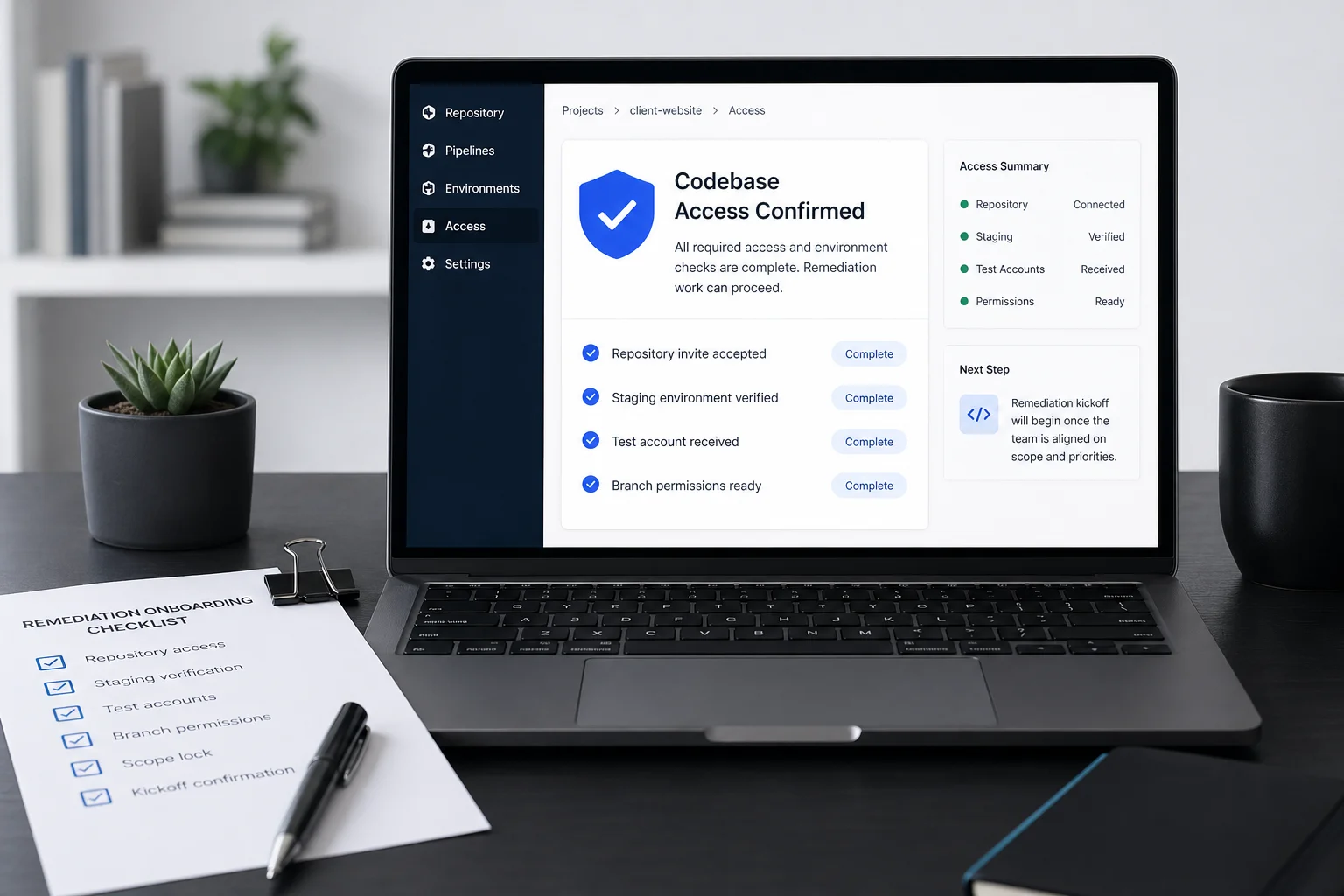
Used for onboarding details, access confirmations, recap notes, final documentation, approvals, and anything your internal team needs archived.
Slack keeps the working workflow clean. Phone keeps the relationship direct. Email keeps the durable record your team can reference later.
01
Issue intake
Findings are posted with context.
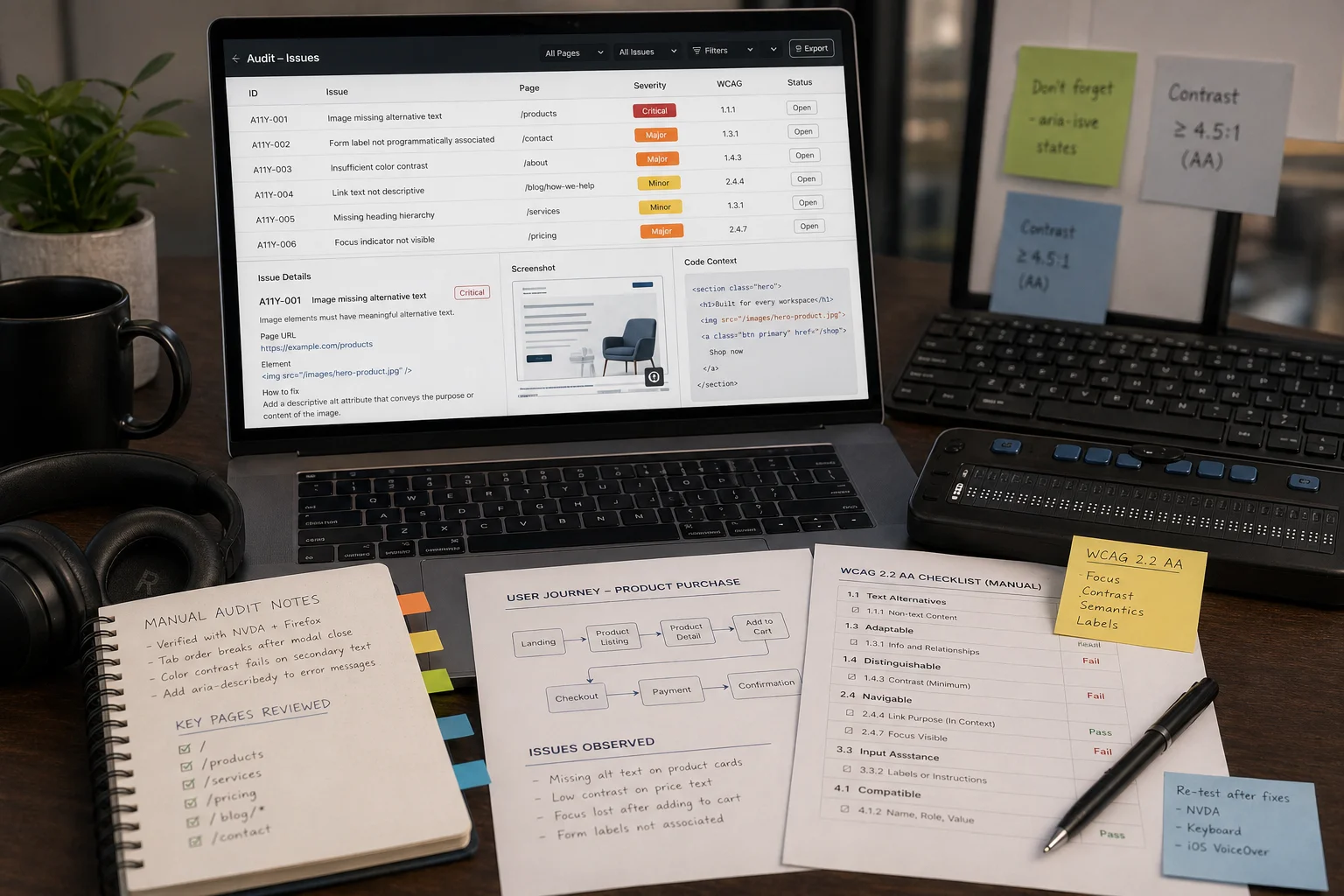
Each issue is shared with affected page, user path, severity, evidence, and the first recommended next step.
02
Fix discussion
Implementation questions stay connected.
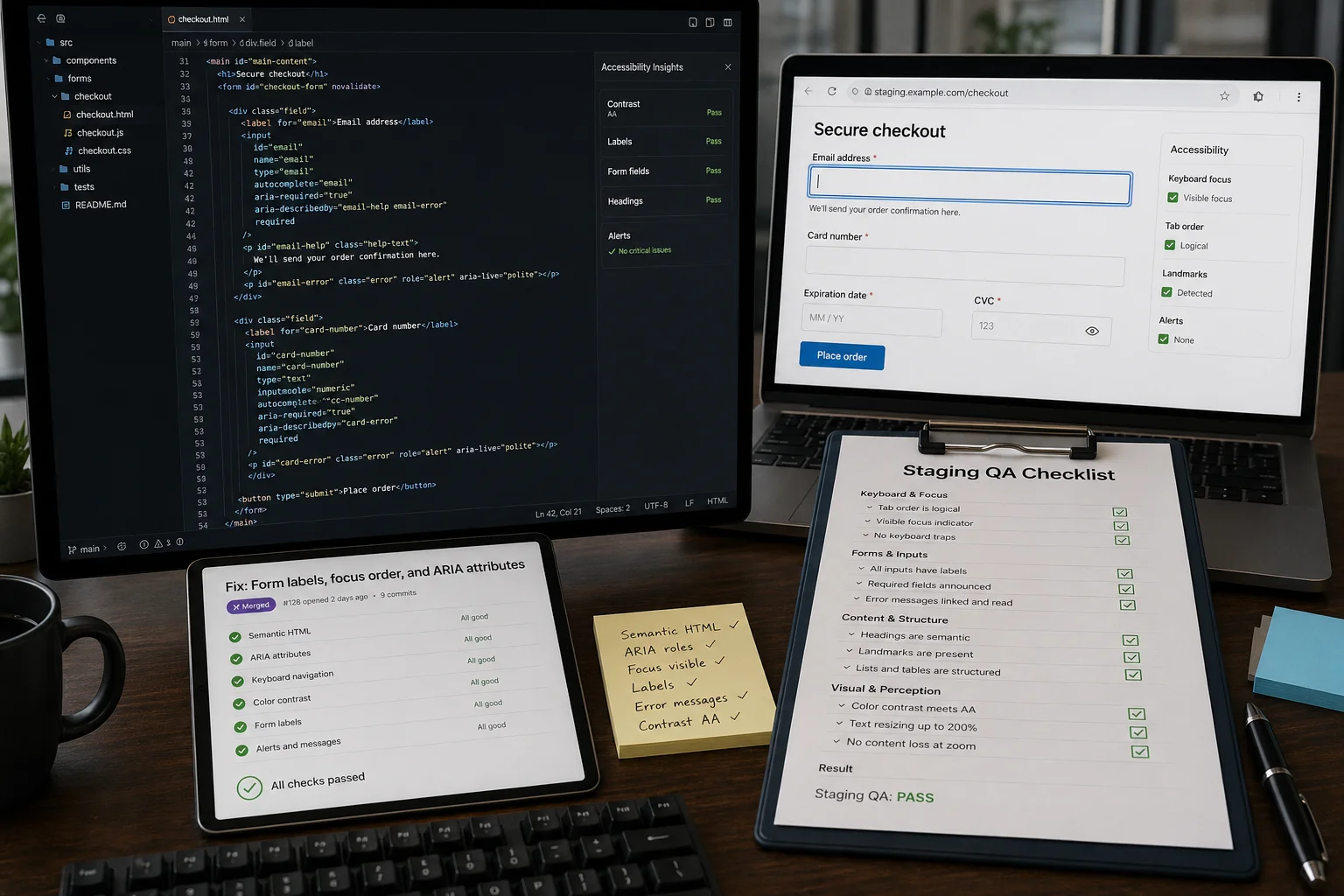
Slack threads keep code notes, design constraints, screenshots, and client feedback tied to the issue being fixed.
03
Escalation
Blockers move to a phone call.
When a decision affects scope, timeline, user experience, or legal risk, we move it out of async chat and resolve it directly.
04
Validation updates
Clients see what is closed.
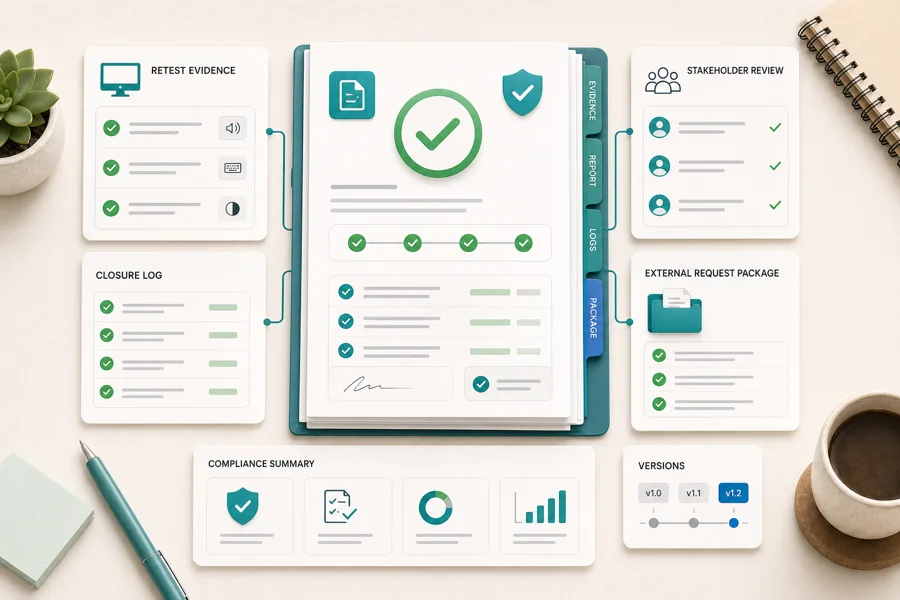
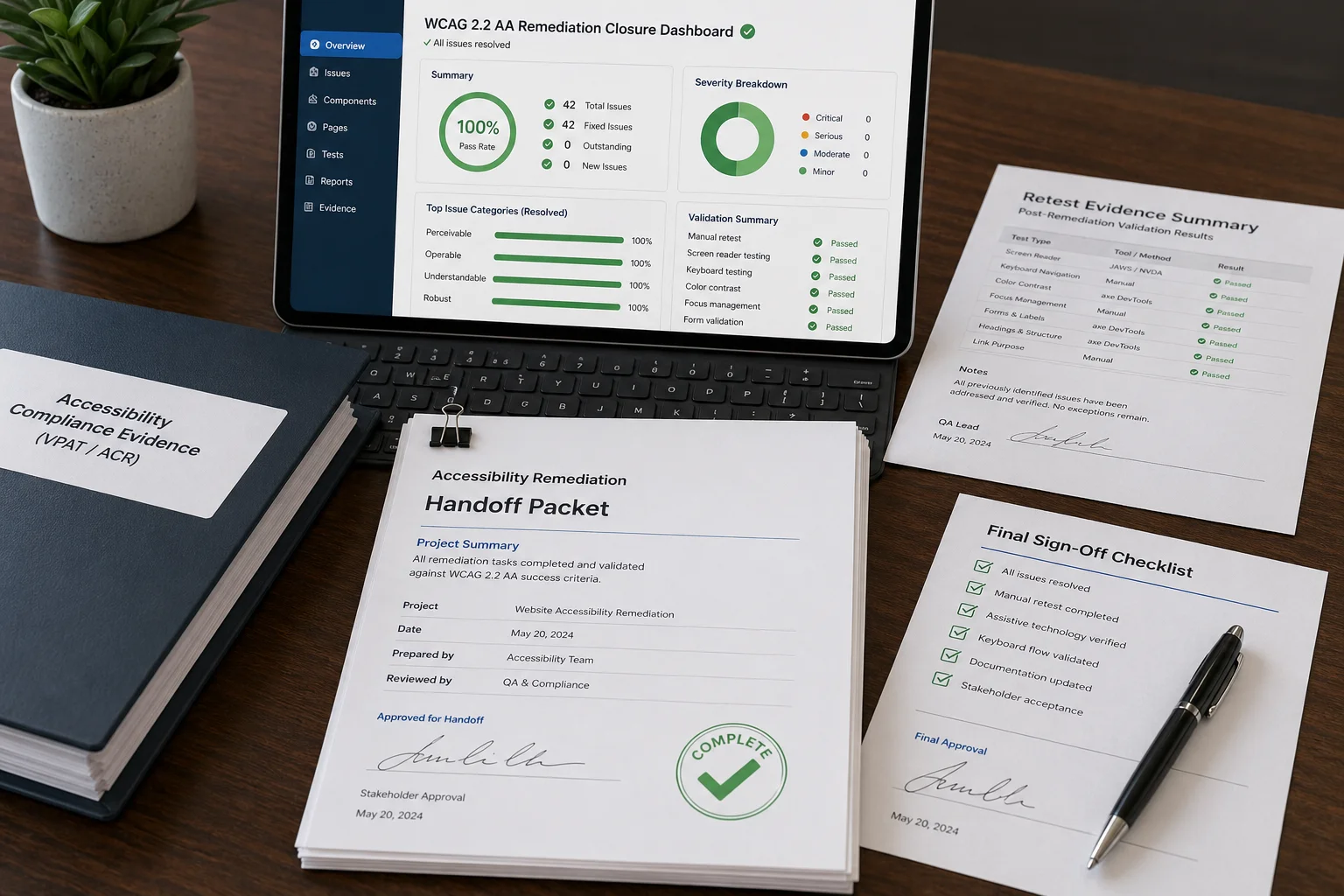
Retest notes and remaining issues stay in the workstream, while final summaries and documentation are sent by email.